17-19 Operators’ Manual
990400 Rev C 2010 May 1
9-22
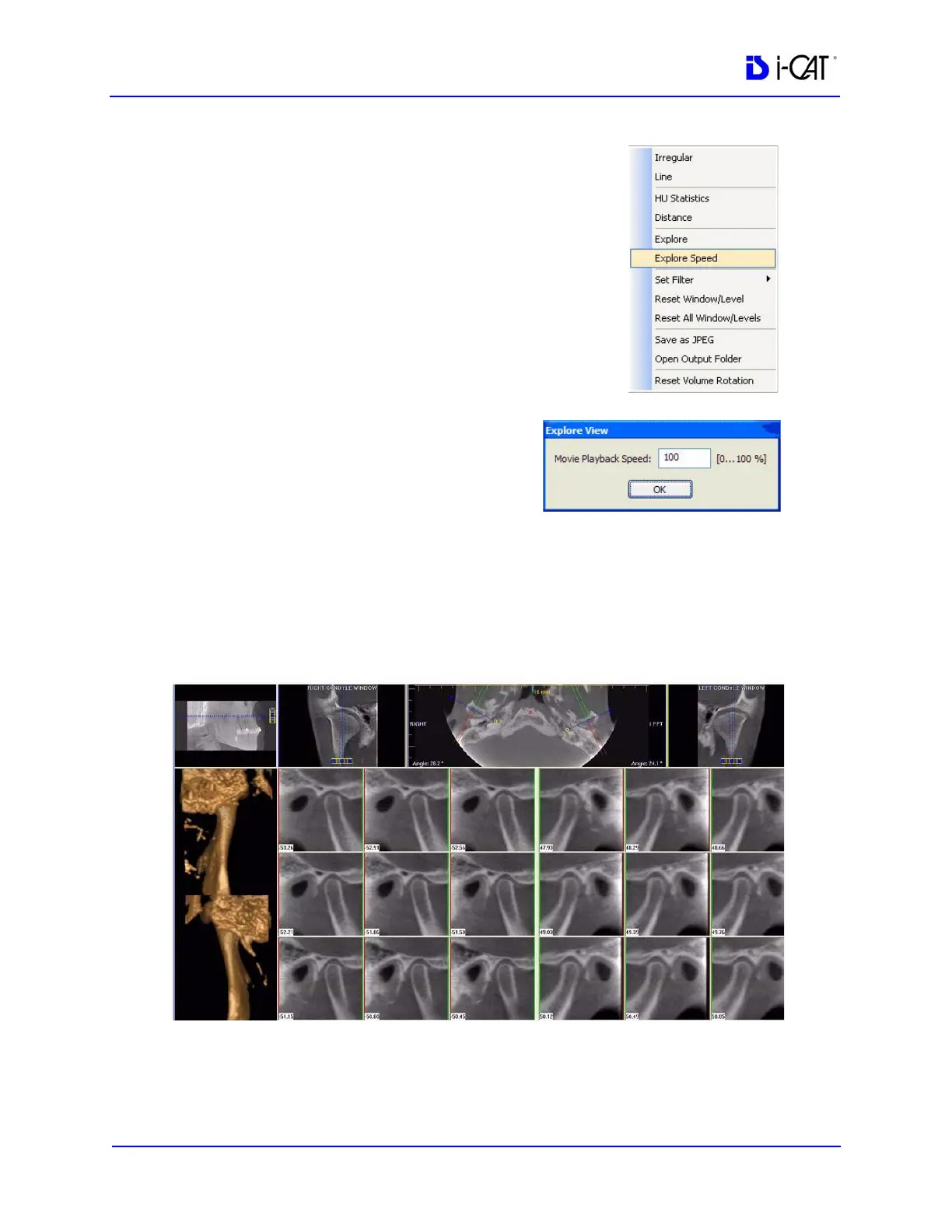
8. To adjust the playback speed,
right-click any image and select
Explore Speed
9. Enter desired animation speed
in the Movie Playback Speed
field.
10. Click OK.
TMJ Screen
Double-clicking the Axial View on the Preview Screen displays the
TMJ Screen.
TMJ Screen enables condyle mapping and creating corresponding
coronal slice views.



 To Next Page