990400 Rev C 2010 May 1
Detail Screens
9-21
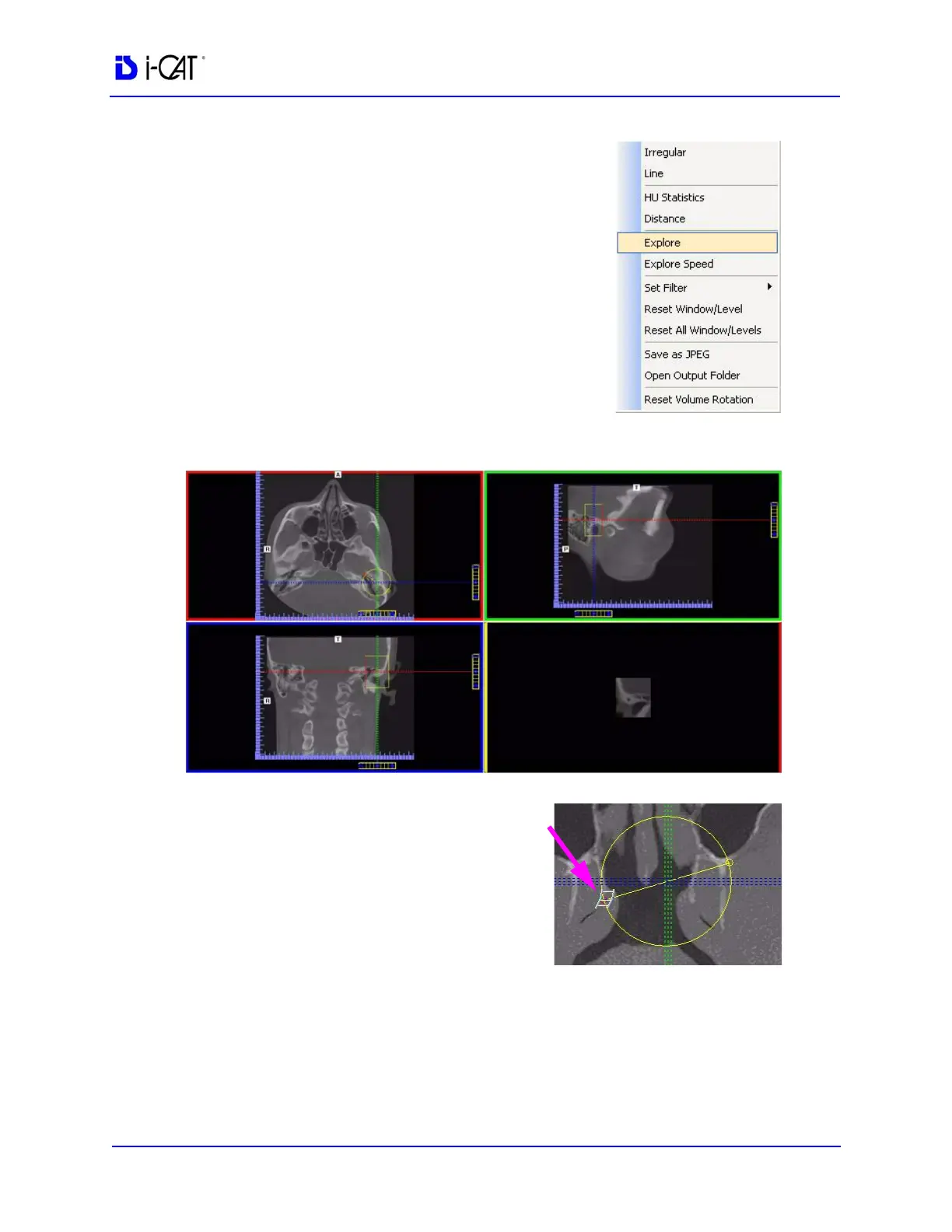
To explore additional cut planes in an
animated (consecutive) fashion:
4. To view additional cut planes, right-
click view and select Explore.
A pointer cursor is displayed.
5. Drag the center of the circle to position the cut planes slice.
6. Move the cursor over the red
end point and the cursor
changes to a film icon.
7. Click cursor to start the
animation which plays in the
lower right view.



 To Next Page