17-19 Operators’ Manual
990400 Rev C 2010 May 1
9-20
3. To reposition the line, drag either end point of the line.
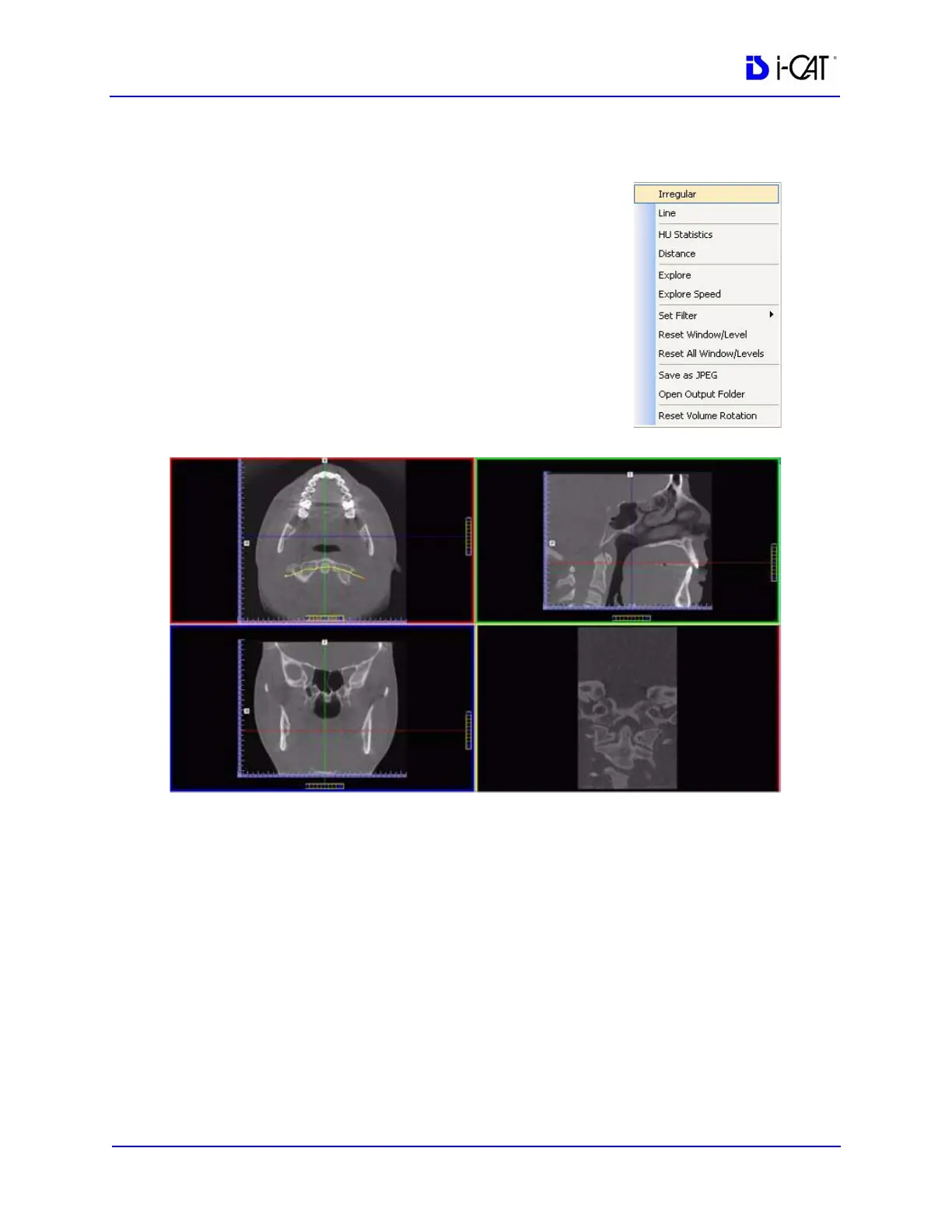
To view the result of a non-linear
(irregular) slice:
1. To view a non-linear slice, right click
view and select Irregular.
A pointer cursor is displayed.
2. Drag cursor to create slice as desired.
The resulting slice is displayed in the
view at the lower right of the MPR
Screen.
3. To reposition the line, drag either end point of the line.



 To Next Page