990400 Rev C 2010 May 1
Detail Screens
9-7
Estimate the Nerve Canal
The Estimate Nerve Canal feature can be used to mark the left, right
or both nerve canals, based on your needs. It is important to
manipulate the imagery so that you can fully visualize the nerve
canals prior to initiating this feature.
Prior to Beginning a Nerve Canal Estimate (Tru-Pan Enabled):
1. Double-click the panoramic view image to display the Implant
Planning screen.
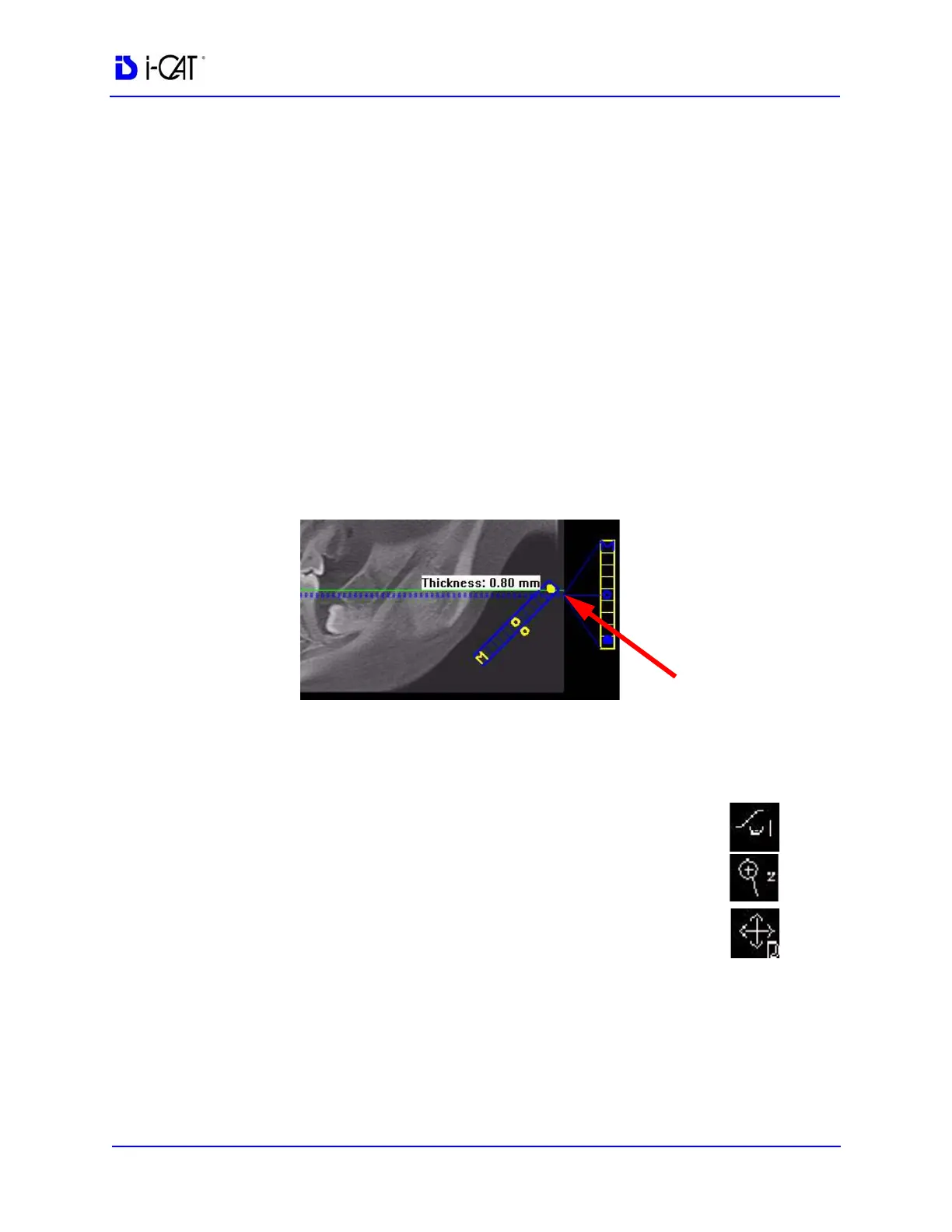
2. On the panoramic map view, click the solid dot on the diagonal
slice control to check the slice thickness. If thickness is over 1.0
mm (1.2 mm for voxel sizes greater than or equal to 0.3 mm),
drag the solid dot down to reduce the slice thickness. Slice must
be no thicker than stated above to be able to mark points in the
panoramic map view.
3. Use the following tools to manipulate the images to bring the
nerve canal(s) into clear focus on the axial slice position view:
• Window/Level to adjust brightness/contrast.
• Zoom to zoom in on the image.
• Pan to view the desired portion of the image.
4. After you have adjusted the images to visualize the
nerve canal(s), go to Estimate Nerve Canal.



 To Next Page