17-19 Operators’ Manual
990400 Rev C 2010 May 1
9-8
Prior to Beginning a Nerve Canal Estimate (Tru-Pan Disabled,
Manual Adjustment of Contourlines):
1. Set Panoramic Method to Manual Arch Settings, if not already
selected.
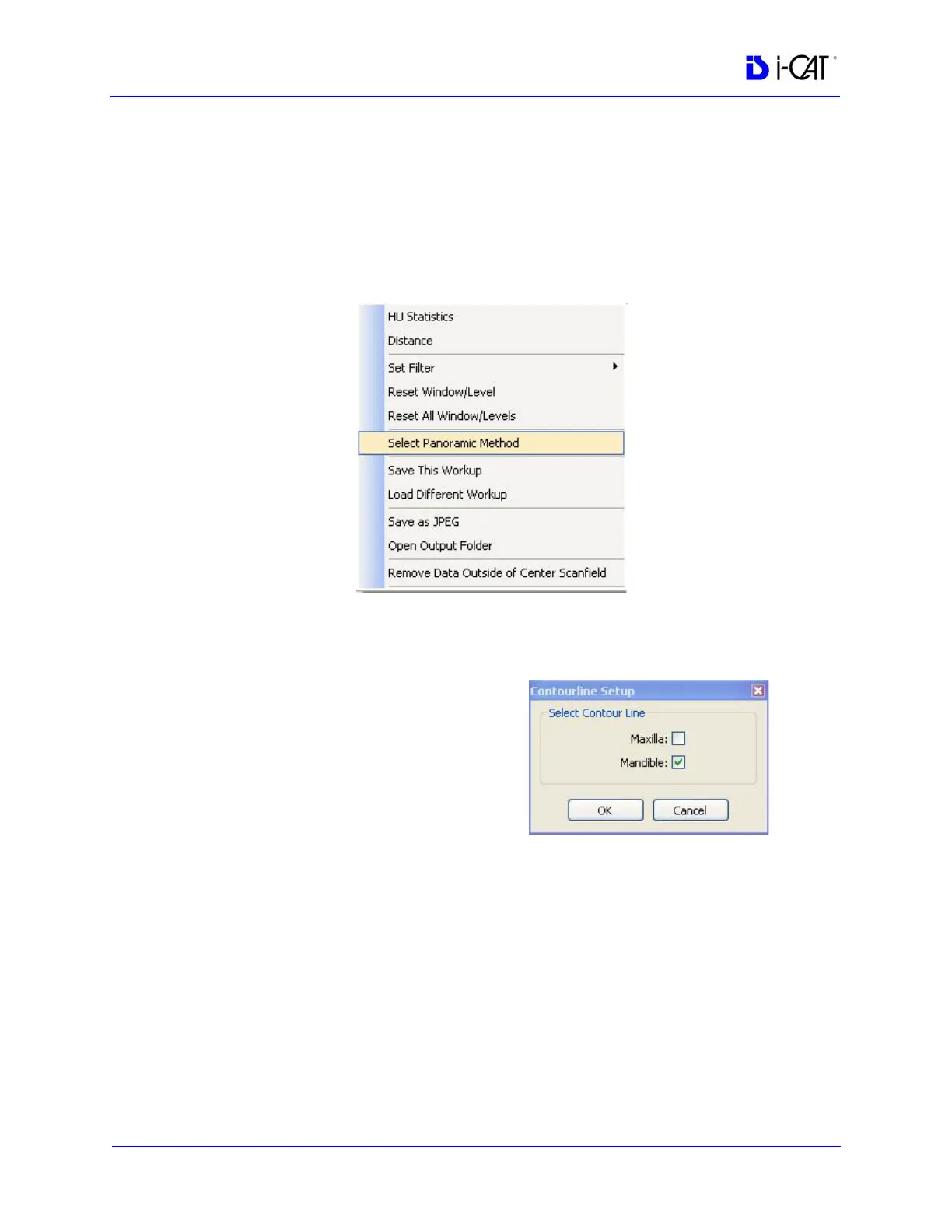
a. On the Preview screen, right-click on an image view and
choose Select Panoramic Method.
b. On the Panoramic Method dialog, select Manual Arch
Settings method and click OK.
c. On the Contourline
Setup dialog, select the
Mandible checkbox
and click OK. The
mandible contourline
is displayed.



 To Next Page