990400 Rev C 2010 May 1
Detail Screens
9-9
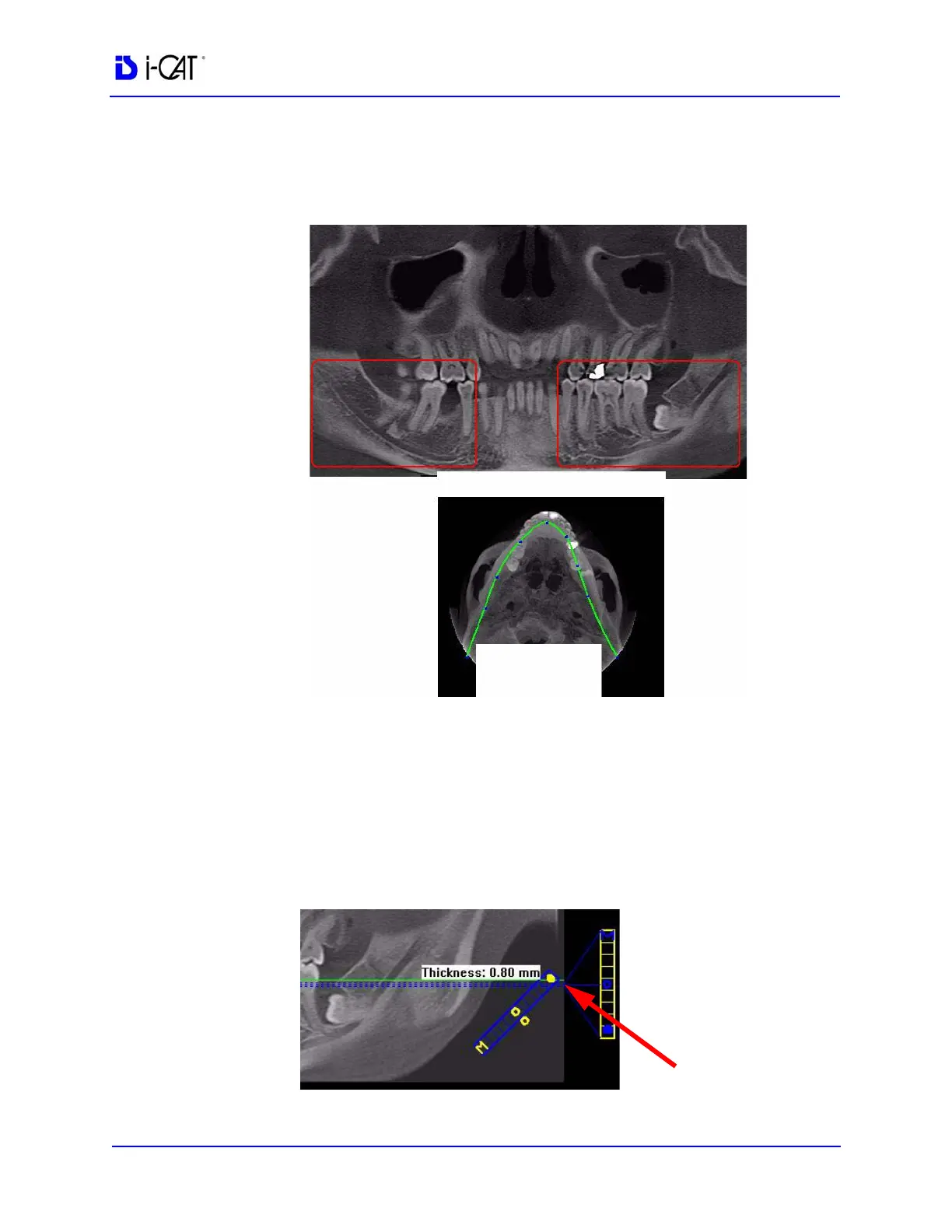
2. On the axial view, click and drag the blue dots on the contourline
as needed to bring the nerve canal(s) into view on the
panoramic view.
3. Double-click the panoramic view image to display the Implant
Planning screen.
4. On the panoramic map view, click the solid dot on the diagonal
slice control to check the slice thickness. If thickness is over 1.0
mm (1.2 mm for voxel sizes greater than or equal to 0.3 mm),
drag the solid dot down to reduce the slice thickness. Slice must
be no thicker than stated above to be able to mark points in the
panoramic map view.
ADJUST
CONTOURLINE
NERVE CANALS



 To Next Page