990400 Rev C 2010 May 1
Three Dimensional Volume Rendering (3DVR)
B-15
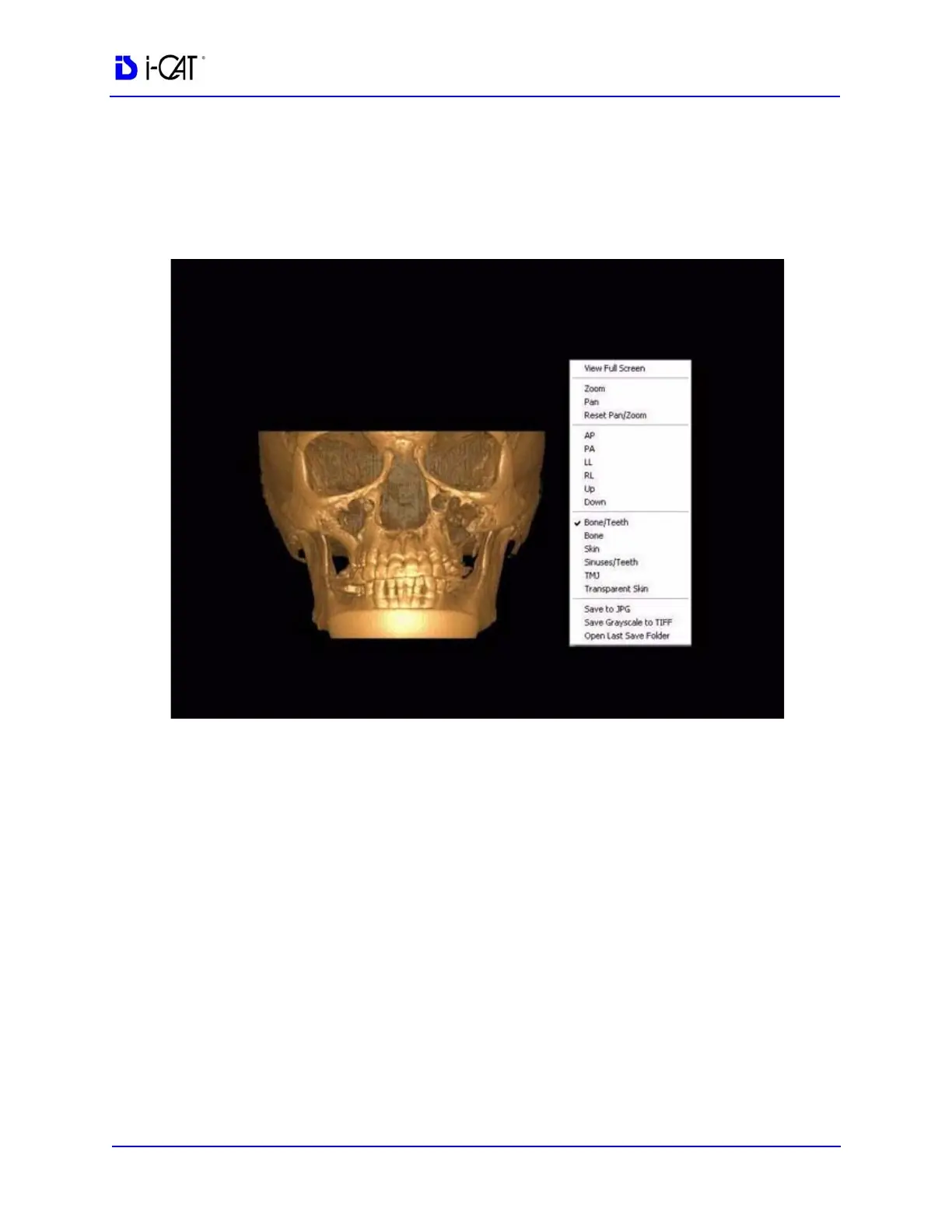
View Full Screen
Full Screen displays the 3D image on the entire computer screen.
All the same manipulation functions and 3D options are used in this
display. Right click to display Pop Up menu to utilize functions.
To return to the original viewing format, press <Esc> or select Close
from the popup menu.
To close the DVR software, click the EXIT button at the bottom of
the Menu Bar



 To Next Page