17-19 Operators’ Manual
990400 Rev C 2010 May 1
10-8
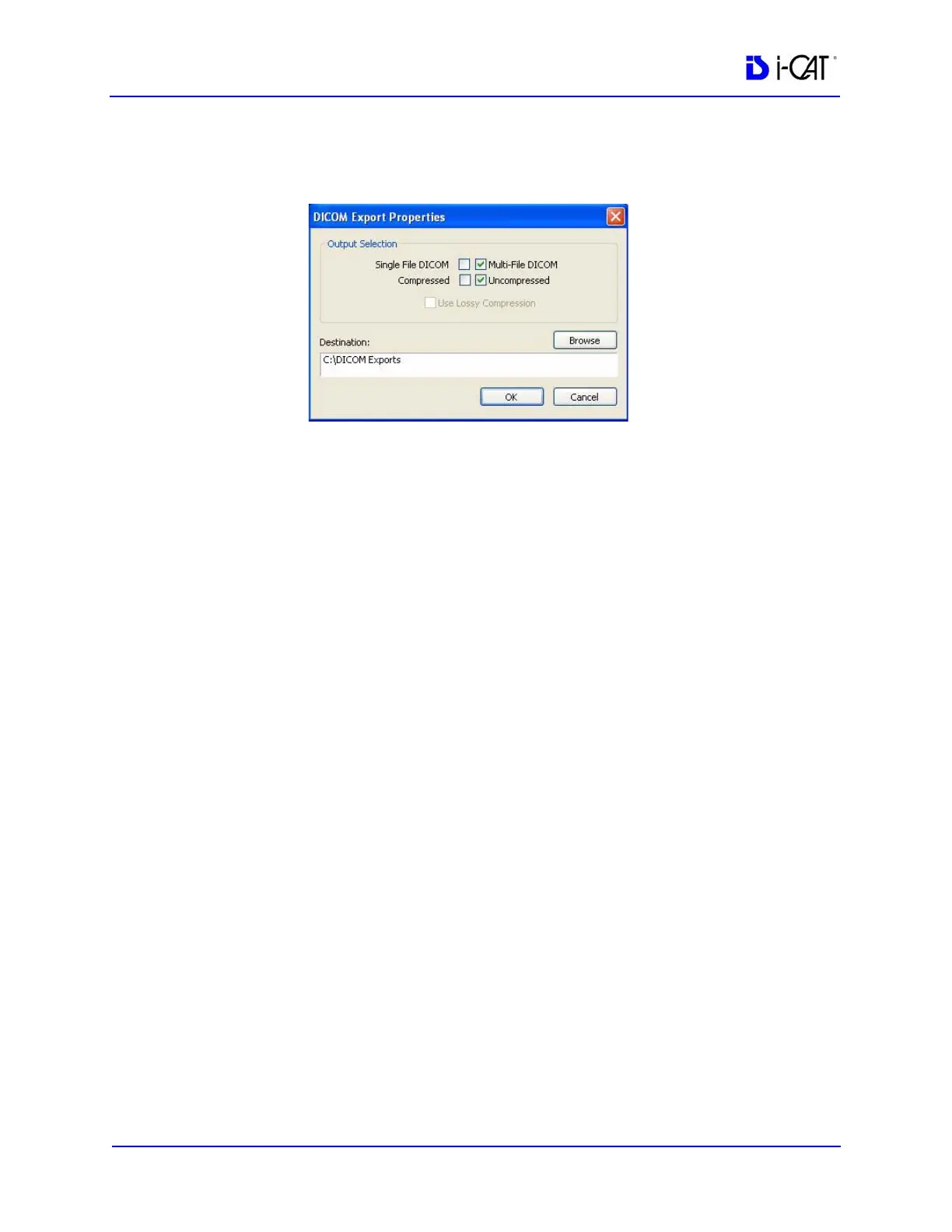
2. From the Main menu, select Tools > Export DICOM.
3. Select Multi-File DICOM and Uncompressed options.
4. Ensure Destination is set to C:\DICOM Exports. If not, browse
to this location.
5. Click OK. Wait for study to uncompress.
6. When the DICOM Export is complete, you can begin the transfer
of data to OraMetrix for Sure Smile processing.
Create Export CD
The internal DVDR drive provides an alternative means for
archiving images or transferring patient images to referring
Physicians.
NOTE: It is recommended to use a blank CD for recording. Upon
completion of the writing process, verify that all required
information was written to the CD.



 To Next Page