990400 Rev C 2010 May 1
Reconstruction of Anatomy
8-21
Saving Views as JPEG Image Files
Data in any view in Vision can be saved as a JPEG image file.
To save view as a JPEG Image File:
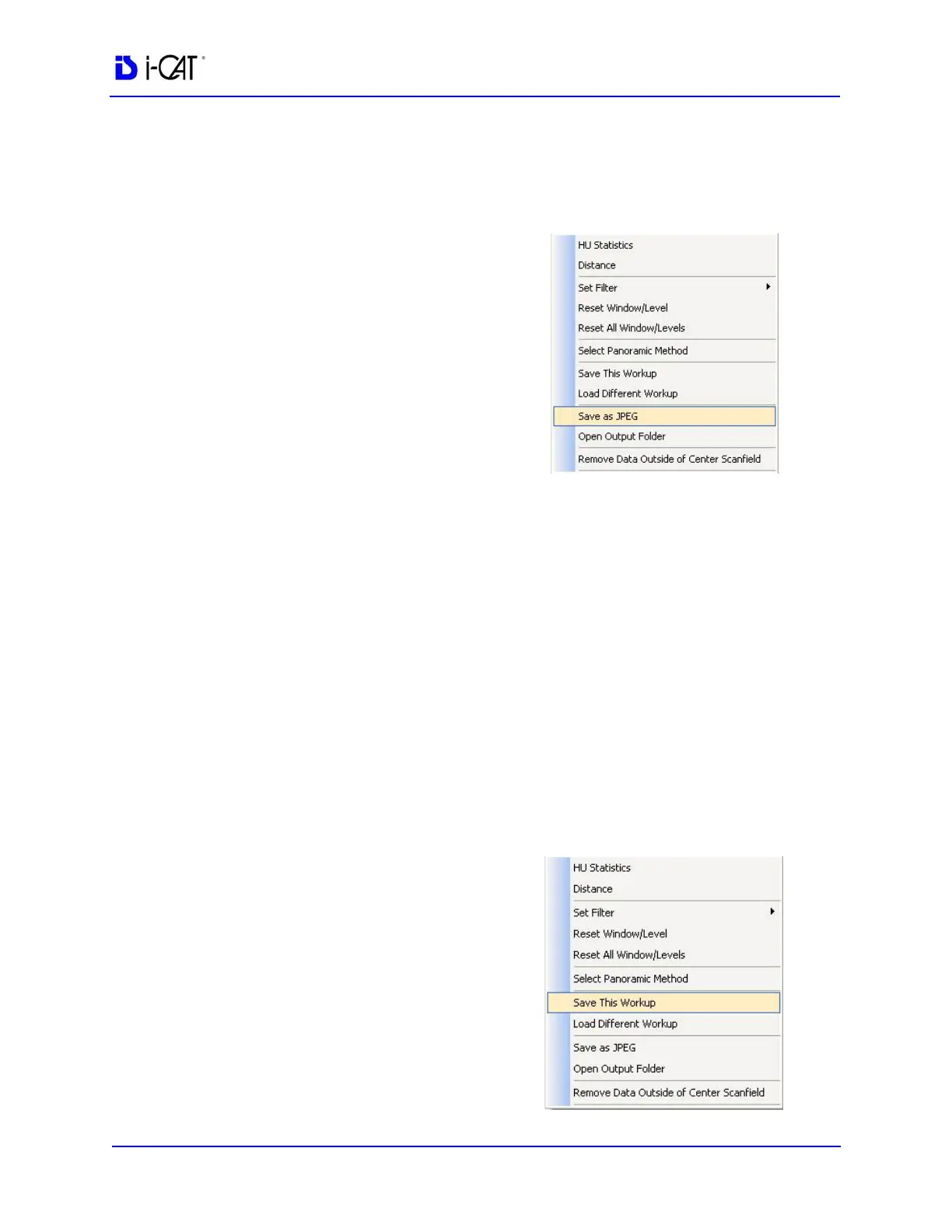
1. Right click image and select
Save as JPEG.
The file is named and saved
into a customized directory
based on the type of image
currently selected, Patient
name, and other details.
To open directory where image was
saved:
2. Right click image and select
Open Output Folder.
Windows Explorer opens to
the selected directory.
Saving and Loading Workups
Modifications made to reconstructed Patient data (Case Studies), are
named and saved as a Workup.
Workups allow the retrieval of various modifications, markups,
measurements, etc. made to previously modified Detail Screens.
Save a Workup
To save the currently displayed
data (Case Study) as a Workup:
1. Right-click any image on the
Preview screen and select
Save This Workup.



 To Next Page