17-19 Operators’ Manual
990400 Rev C 2010 May 1
11-4
10. On the Control Box, press
Scan when prompted. An
audible alarm is sounded
and the X-ray ON light is
illuminated during
radiation exposure.
11. The scan starts in the
Landscape and continues
into the Portrait mode,
displaying three screen
shots in both modes.
12. Click OK when calibration
completes (less than 3 minutes)
Geometry Calibration
It is recommended to perform the Geometry Calibration once a year
to ensure optimal image quality or if the image quality is degraded.
The Panel Calibration must be performed prior to this. The
Geometry Calibration runs in both Portrait and Landscape positions
and takes about 12 to 15 minutes to complete.
Perform Geometry Calibration:
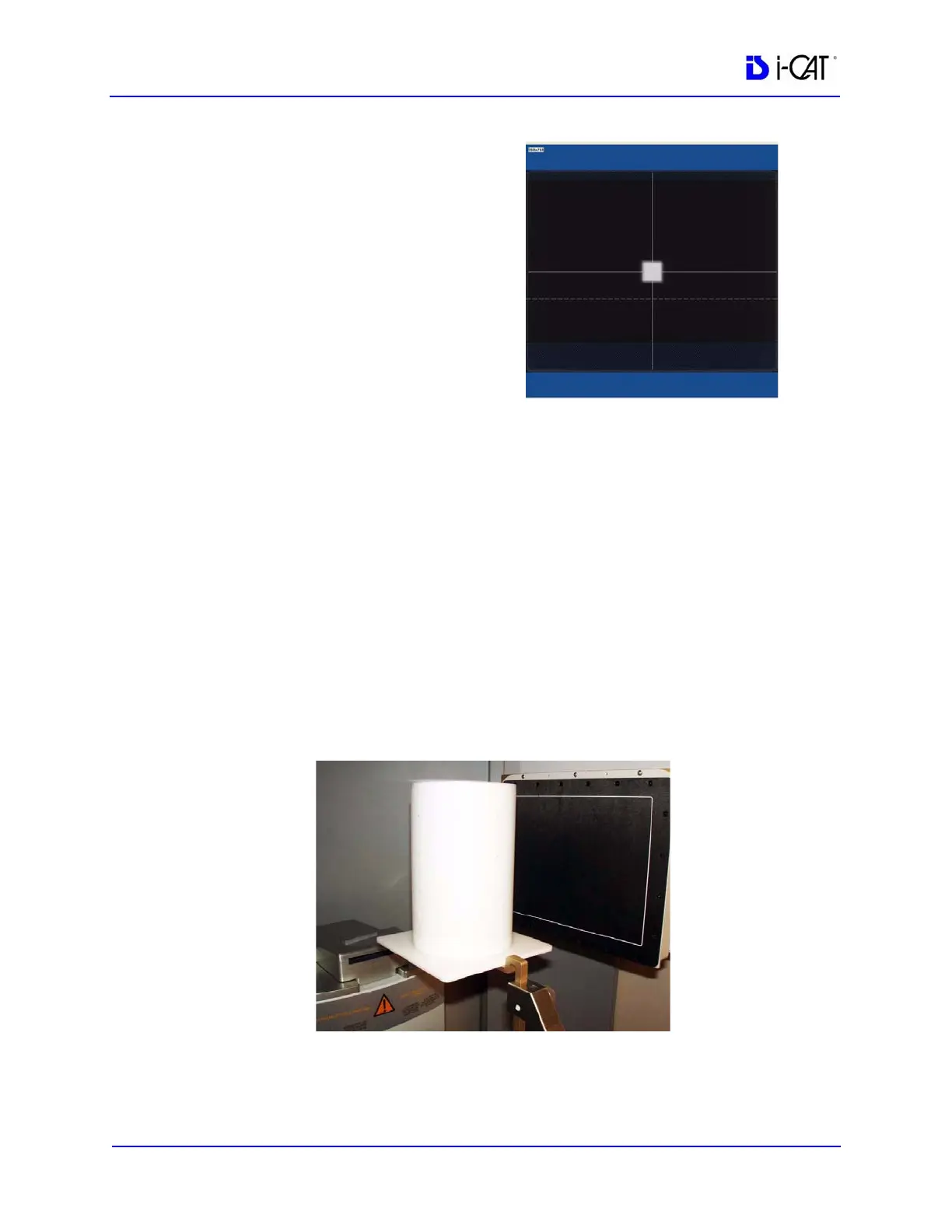
13. Mount the Phantom Platform and center the BB Phantom on the
platform using the alignment holes on the bottom of phantom.
(shown below).
14. Ensure that the BB Phantom is level. Use shims or pieces of
paper under the phantom to level it if necessary.



 To Next Page