990400 Rev C 2010 May 1
Calibration
11-5
15. Align the BB Phantom crosshair slits with the laser cross beams.
For an accurate alignment, the laser beams should penetrate
though the phantom crosshair slits and appear on the receptor
panel.
16. Click the Preview button which is located at the bottom of the
Calibration screen.
The X-ray device may be dangerous to the Patient and operator if
you do not observe and follow the operating instructions. Do not
operate this system unless you have received training to perform a
procedure.
17. The ready window is displayed, click OK.
18. On the Control Box, press Scan when prompted. An audible
alarm is sounded and the X-ray light illuminates during radiation
exposure.
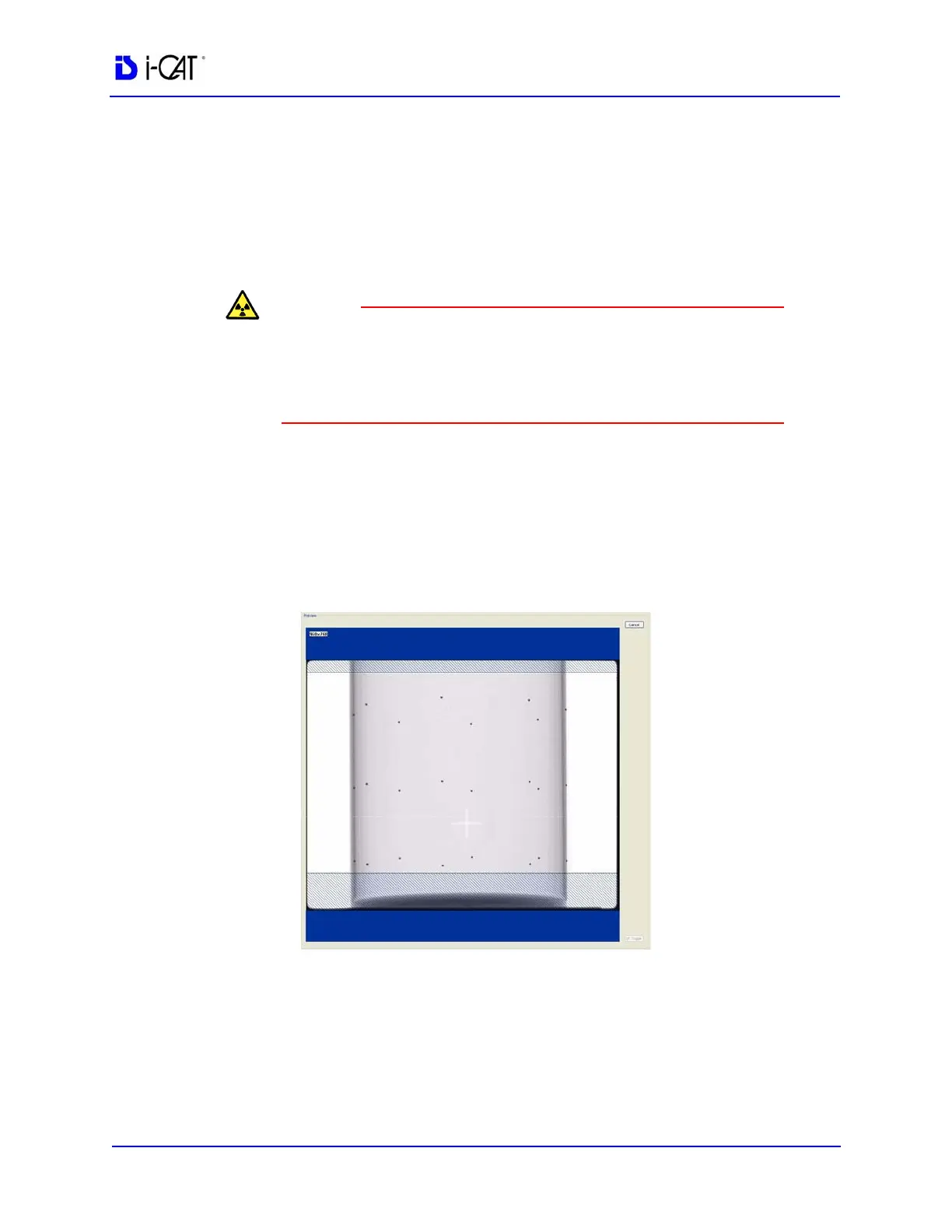
19. The BB Phantom image is displayed (shown below).
20. Ensure that the phantom is centered, level, and all BBs (dots)
appear in the Field of View. If required, make adjustments and
click Preview again. Repeat as required.
Height adjustments are made by raising or lowering the phantom
platform. BBs should not touch the top or bottom lines.
Back
(Volume Center)
Front
(Volume Center)



 To Next Page