17-19 Operators’ Manual
990400 Rev C 2010 May 1
8-22
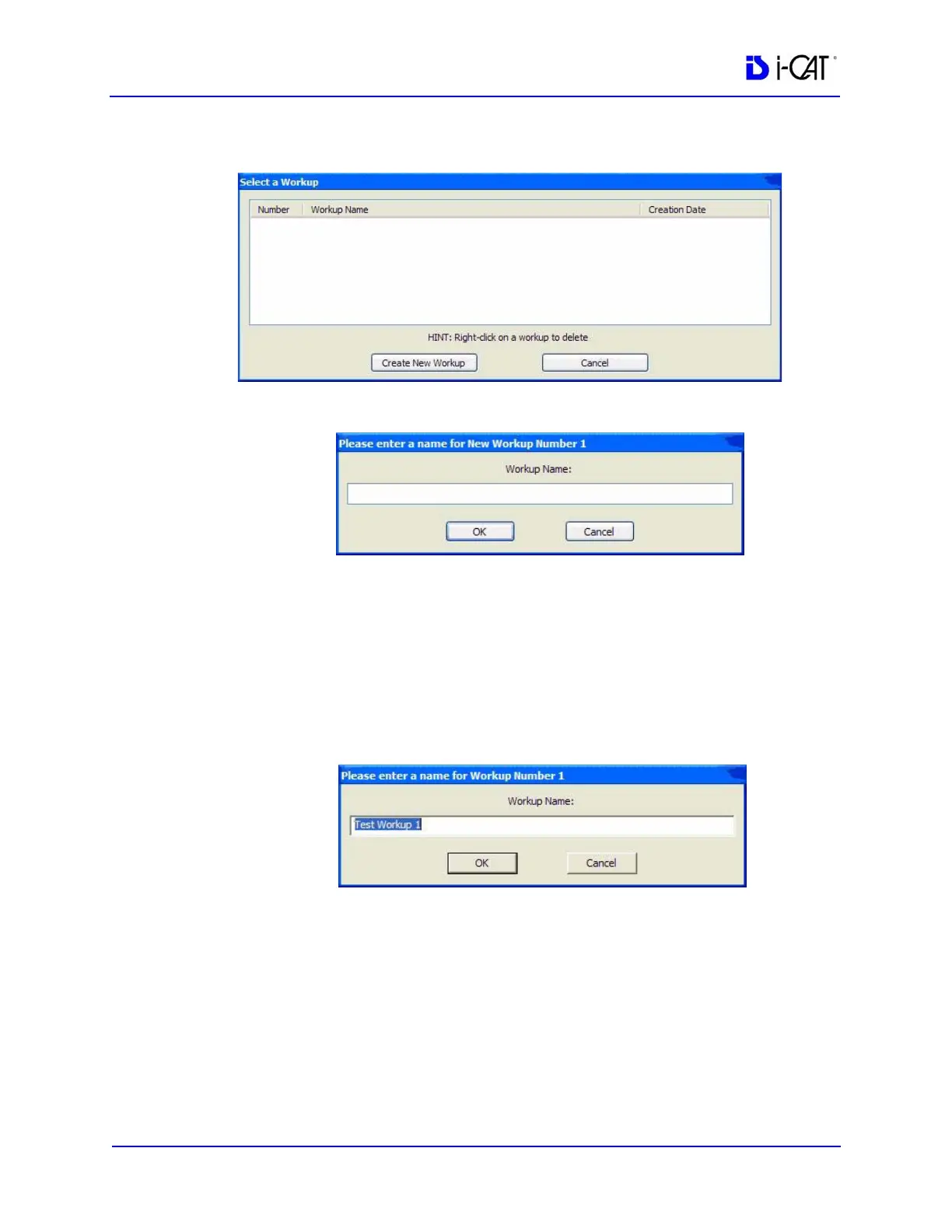
2. Then do one of the following:
a. Click Create New Workup.
b. Enter a name for the new workup in the Workup Name:
field.
c. Click OK. The dialog box closes and the new workup is
displayed on the Select a Workup dialog box.
- or -
a. Overwrite an existing workup by clicking an existing
Workup Name.
b. Click OK. The dialog box closes and the new workup is
displayed on the Select a Workup dialog box.
3. Click Cancel to close the Select a Workup dialog box.



 To Next Page