990400 Rev C 2010 May 1
Three Dimensional Volume Rendering (3DVR)
B-13
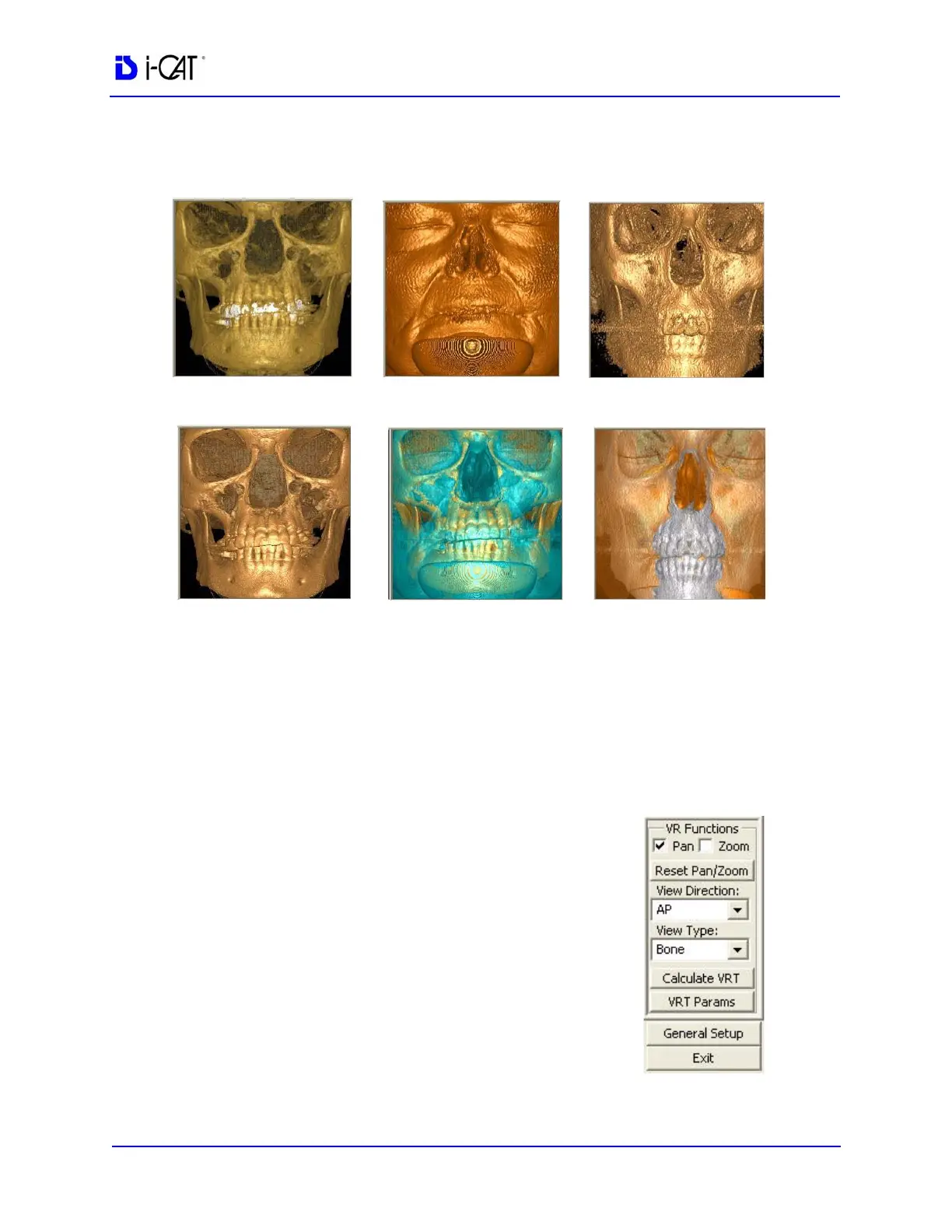
Sample of View Types
Each View Type has its own Parameters, which can be viewed by
clicking the VRT Params button.
The 3Dimage can be rotated, enlarged or changed to another
direction or type. These functions can be performed from the top
right corner viewing area or the 3D image can be enlarged to a Full
Screen (Right click on the 3D image and select View Full Screen).
PAN
Move the 3D image within the window by
dragging cursor on image.
Zoom
Zoom 3D image. Drag cursor on image.
UP to Zoom OUT / Down to Zoom IN.
Reset Pan/Zoom
Resets 3D image to original position and size.
Bone/Teeth
Bone
Skin
Sinus/Bone
Transparent Skin
TMJ



 To Next Page