990400 Rev C 2010 May 1
Quality Assurance
12-7
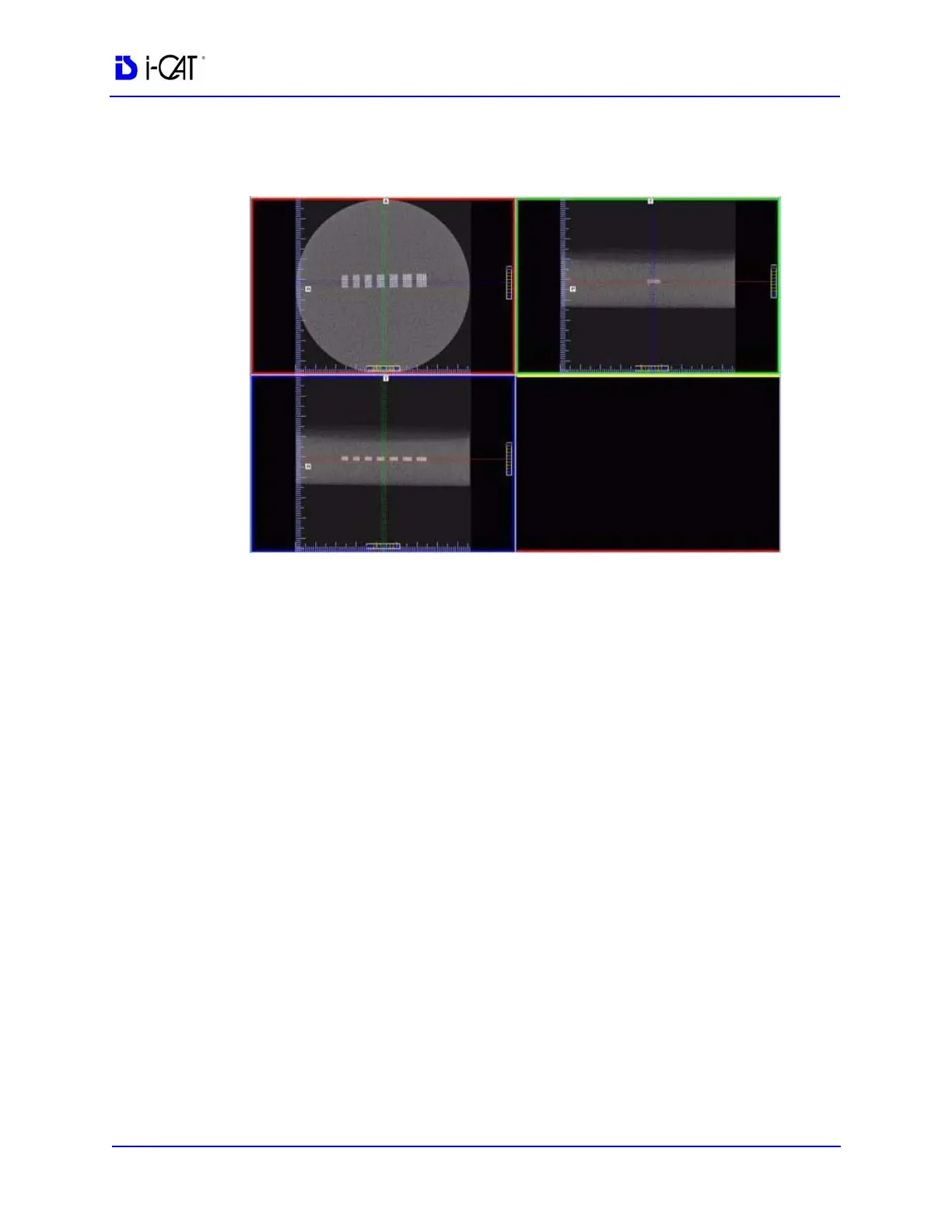
30. In the upper right corner view of the Coronal View, slide the
Vertical and Horizontal lines to the centers as shown below.
31. Zoom the Axial image (upper left). To zoom, start at the lower
right corner of the image and hold down left mouse button and
drag cursor across the image.
For consistency, ensure that the slice selection to be measured is
setup as follows.
a. Right click top-left image and select Set Filter > Normal
b. At the bottom of the scale, click and hold the cursor on the
● symbol. The slice thickness is displayed. Slide the cursor
up to change the value to 0.4mm.



 To Next Page