990400 Rev C 2010 May 1
Remote System Import and Export
16-3
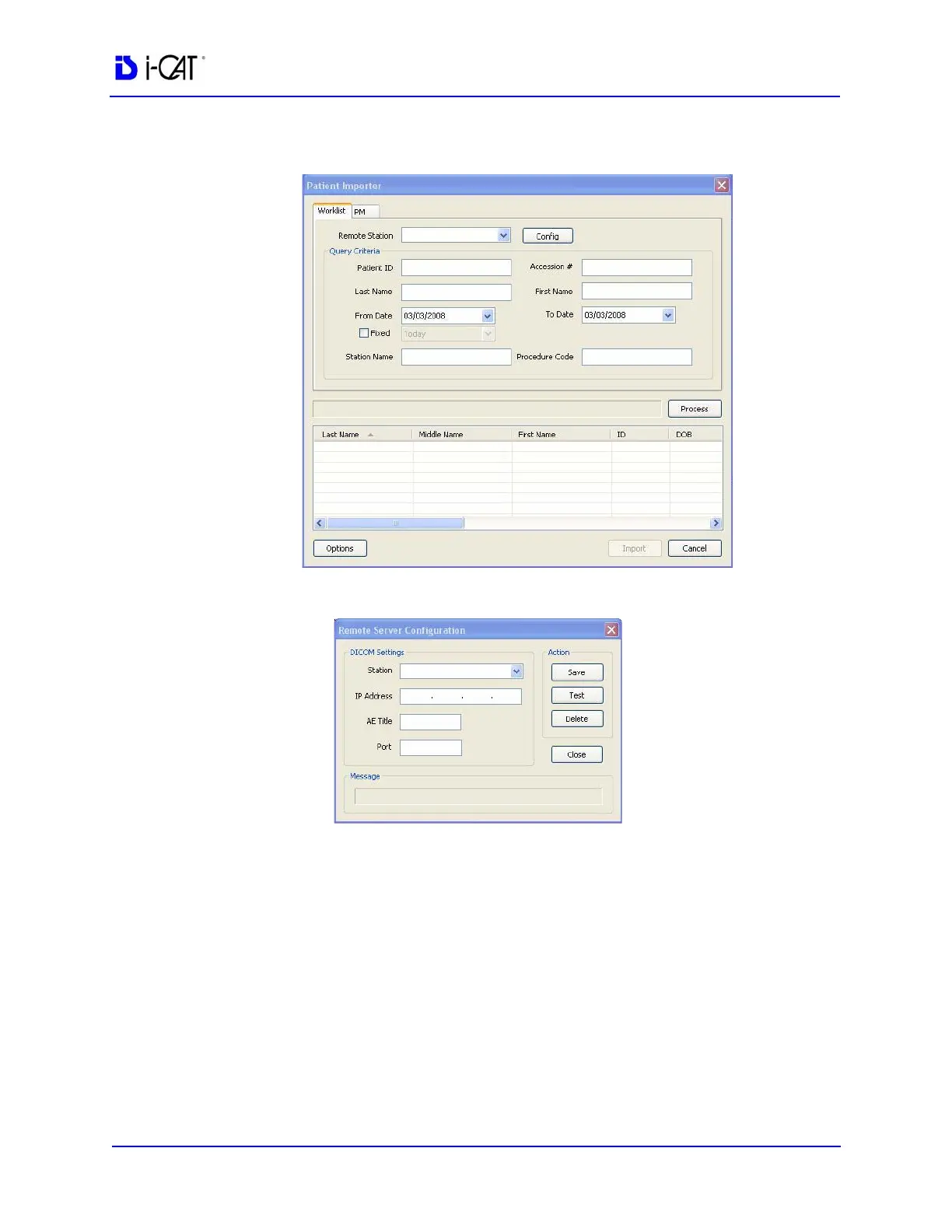
3. Click Import. The Patient Importer screen is displayed.
4. Click Config.
5. Enter Station name, IP Address, AE Title, and Port number for
the remote server from where files are to be imported.
6. Click Save, and then Close.
7. Click Cancel on Patient Importer to close window.



 To Next Page