17-19 Operators’ Manual
990400 Rev C 2010 May 1
8-26
4. If desired, select the Quantum IQ checkbox to apply this
reconstruction type when the image is processed. See Quantum
IQ
for more information on Quantum IQ.
5. Click Reconstruct. The raw DICOM images are reconstructed
as specified.
To Load Preview Frames:
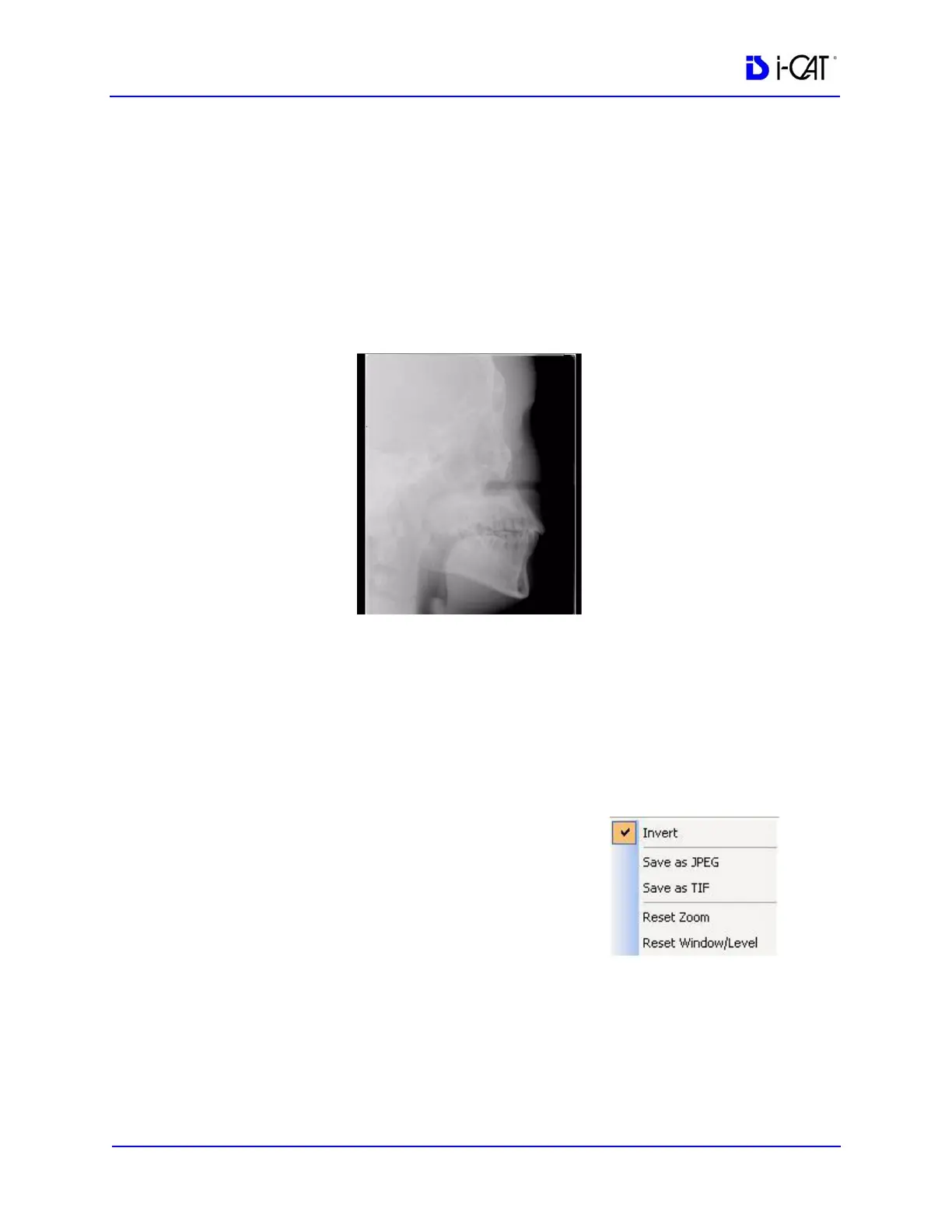
1. Right-click on Raw scan and select Load Preview Frame(s).
Preview screen is displayed.
2. Image can be manipulated as follows using the features
described earlier in this chapter:
• Adjust brightness and contrast
• Zoom
• Pan
• Scroll between first and last frame
3. Right-click on the image to:
• Invert - Toggle between MIP and
Radiograph.
• Save as JPEG - Select a location
on the computer to save the
image as a JPEG file.
• Save as TIF - Select a location on the computer to save the
image as a TIF file.
• To reset setting, select either Reset Zoom or Reset
Window/Level option.
4. To return to the Preview screen, click Screen > Preview Screen.



 To Next Page