17-19 Operators’ Manual
990400 Rev C 2010 May 1
8-28
Quantum IQ will reconstruct raw data with emphasis on removing
noise. This may lead to image data at the boundaries between hard
and soft tissue to appear less defined. This tool cannot be a substitute
for your professional expertise and judgment.
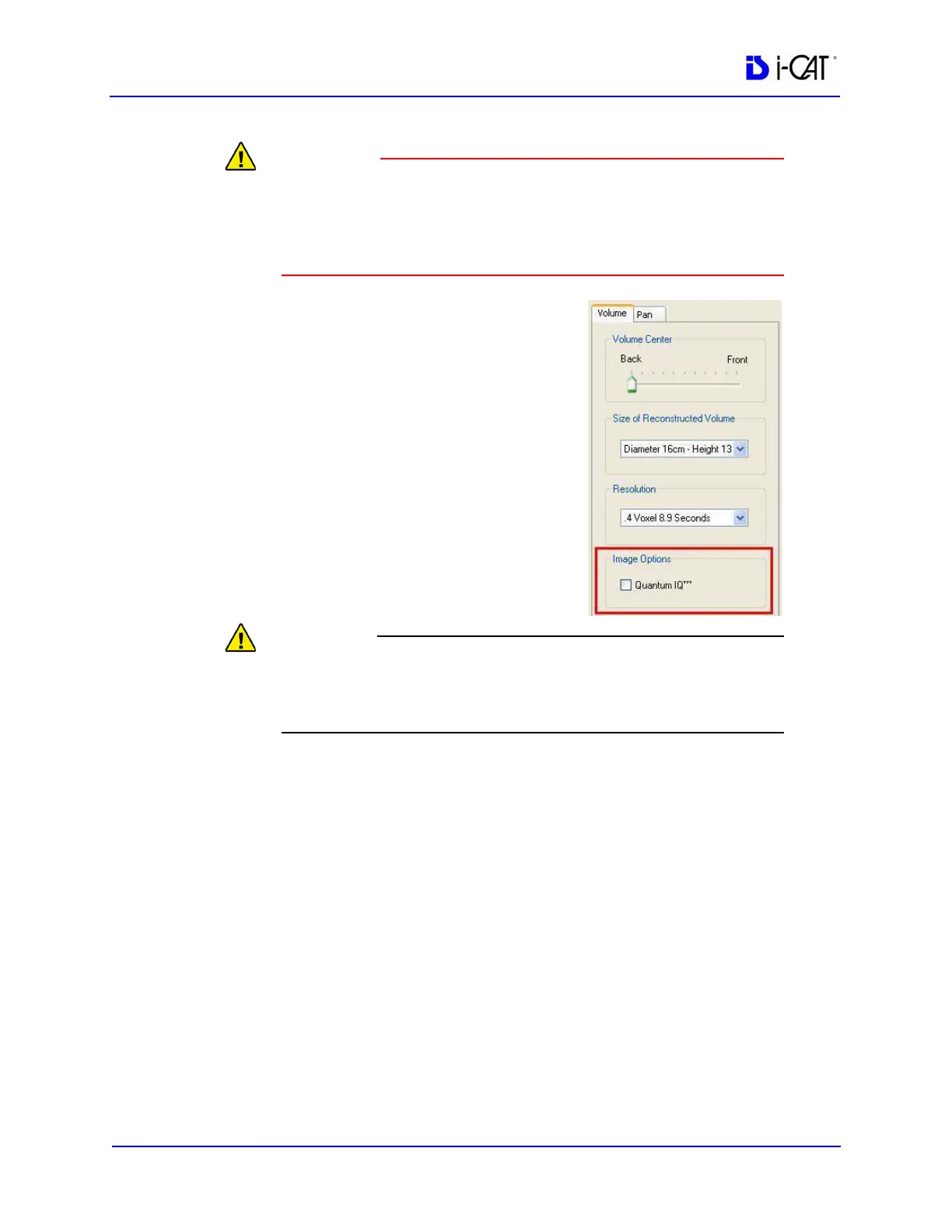
To apply, click the Quantum IQ
checkbox to select it. The default setting
is unchecked. When checked, Quantum
IQ will be applied to all volume scans
during reconstruction. The progress bar
at the bottom of the Acquire window
provides status as it is applied.
The Quantum IQ setting is retained for
future acquisitions/reconstructions until
a different setting is selected.
The QIQ column in the Study List
indicates if a study has Quantum IQ
applied.
Quantum IQ should NOT be selected when acquiring or
reconstructing scans that will be used with Sure Smile software or
scans used for QA testing.



 To Next Page