www.izcorp.com • 1.800.776.1356
REVERSE
Audio placed on the clipboard can be reversed before being re-pasted into the project. This makes “pre-
verb” and reversed solo effects very easy to accomplish.
To reverse clipboard audio:
After marking a time region, COPY or CUT the track-region to be reversed on to the clipboard.
Press the + (REVERSE) key on the Session Controller or select REVERSE from the EDIT
MENU.
Paste the reversed audio to the desired location in the project.
GAIN/FADE
The GAIN/FADE functions allow the user to modify the gain of recorded audio. Individual start and end
values allow for flexible gain manipulation including the creation of fade ins and fade outs.
To change the gain of recorded audio:
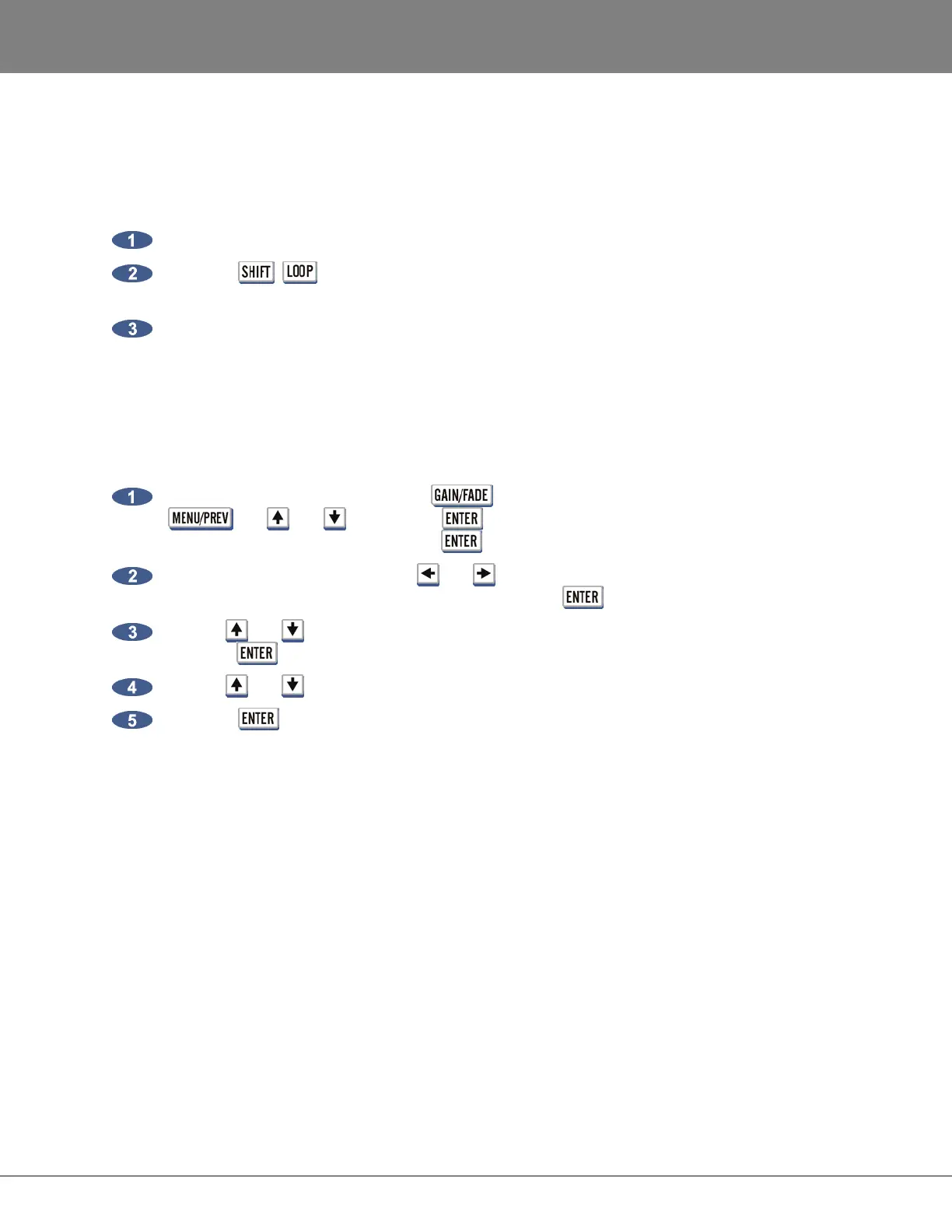
After marking a time region, press the button on the Session Controller or use the
, the and keys and the key to go to the MAIN MENU / EDIT MENU /
GAIN/FADE menu item and press the key.
Select the tracks to modify. Use the and keys to select either ALL or TRACK ARM. Use
the Track Arm keys to select individual tracks. Press the key.
Use the and keys, the numeric keys or the Jog/Shuttle Wheel to set the START gain and
press the key.
Use the and keys, the numeric keys or the Jog/Shuttle Wheel to set the END gain.
Press the key to calculate the new gain and return the system to READY MODE.
UNDO
Undo allows the user to undo an edit or record. Undo levels can be set anywhere from 0 to 99. For more
information see to OPERATIONS: RECORDING: UNDO/REDO
REDO
Allows the user to redo edits or records that were undone using the UNDO function. REDO maybe be
done as many times as the UNDO function were performed. The ability to REDO will be lost upon
performing new edits, entering record or switching to another project. For more information see
OPERATIONS: RECORDING: UNDO/REDO



 To Next Page