iZ Technology Corporation
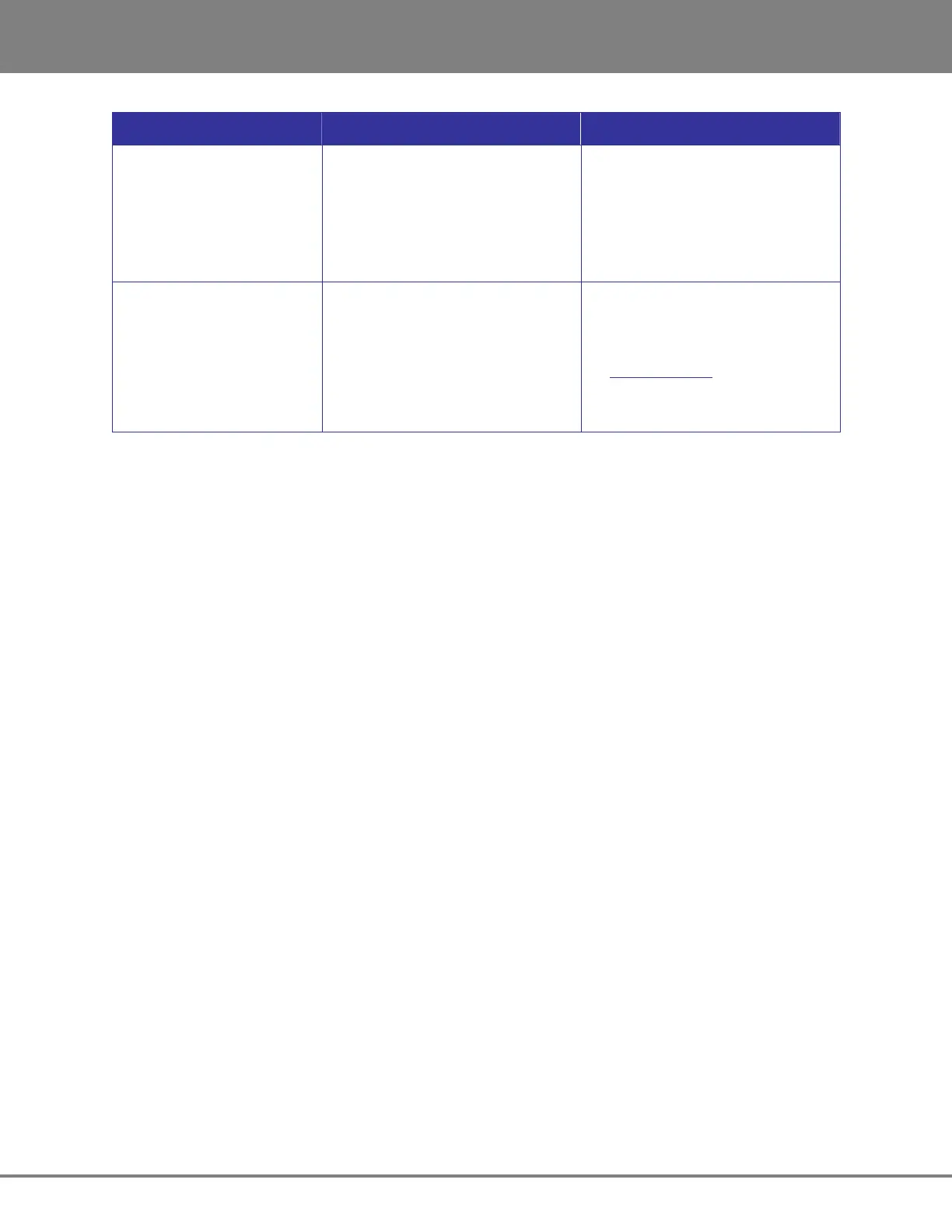
CONDITION CAUSE SOLUTION
XXX kHz Illegal Message – The incoming AES source doesn’t
indicate the sample rate which
causes RADAR to mistakenly
display a XXX kHz ILLEGAL error
message
– MAIN MENU / PREFS
MENU/IGNORE AES FLAGS
Enabling the IGNORE AES FLAGS
will remove this error message
Can’t Mount Network Drive – Bad or incorrect Ethernet cable
– Incorrect Networking Settings
– Firewall or other security blocking
access
– Verify using correct cable by
checking that LEDs on network
card is lit
– See Support Documents on
www.izcorp.com for setup
– Turn off firewall or other security
programs



 To Next Page