www.izcorp.com • 1.800.776.1356
Shortcut keys:
Session Controller or
KC-24
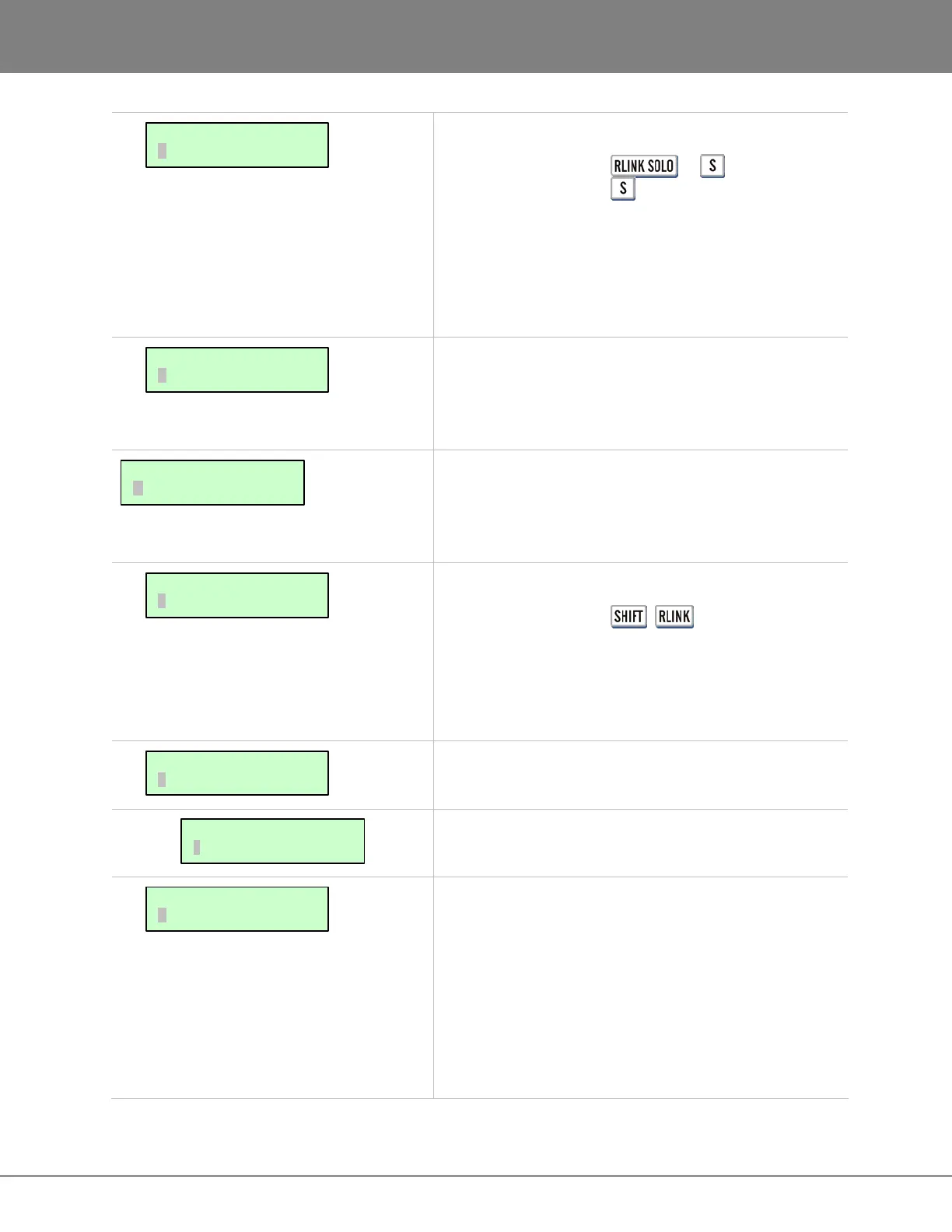
RADAR LINK SOLO operation is required for editing with
more than 48 tracks and certain other machine specific
functions like backup, restore, mount and unmount. This
dialogue allows the selection of a particular slave
machine by entering its RADAR LINK ID number.
Each slave unit in a RADARLink configuration must have
a unique ID number between 1 and 7. The RADARLink
master is automatically assigned an
ID of M.
RADAR supports both 9-pin serial (RS-422) and MMC,
which is the MIDI implementation of machine control.
These menus configure RADAR for use as a machine
control slave in a variety of applications.
Shortcut keys:
Session Controller +
(MCH CTL)
KC-24 N/A
This dialogue is used to enable or disable 9-PIN or
MMC, depending on which type of machine control is
selected and whether it is currently enabled or disabled.
This dialogue allows switching between 9-PIN and
MMC.
These settings can be used to adjust 9-pin preferences.
The device ID setting allows RADAR to appear as one of
the following to the machine control master:
• RADAR
• RADAR 24
• DVR-1000
• APR-24
• BVU-950
With these various emulations it is possible to control
RADAR from virtually any 9-pin controller.
9-PIN SETTINGS:
DEVICE ID
MACHINE CONTROL:
9-PIN SETTINGS
MACHINE CONTROL:
SELECT TYPE
MACHINE CONTROL:
ENABLE/DISABLE
MAIN/SYNC MENU:
MACHINE CONTROL
RADARLINK:
RADARLINK ID
RADARLINK:
RADARLINK SOLO



 To Next Page