iZ Technology Corporation
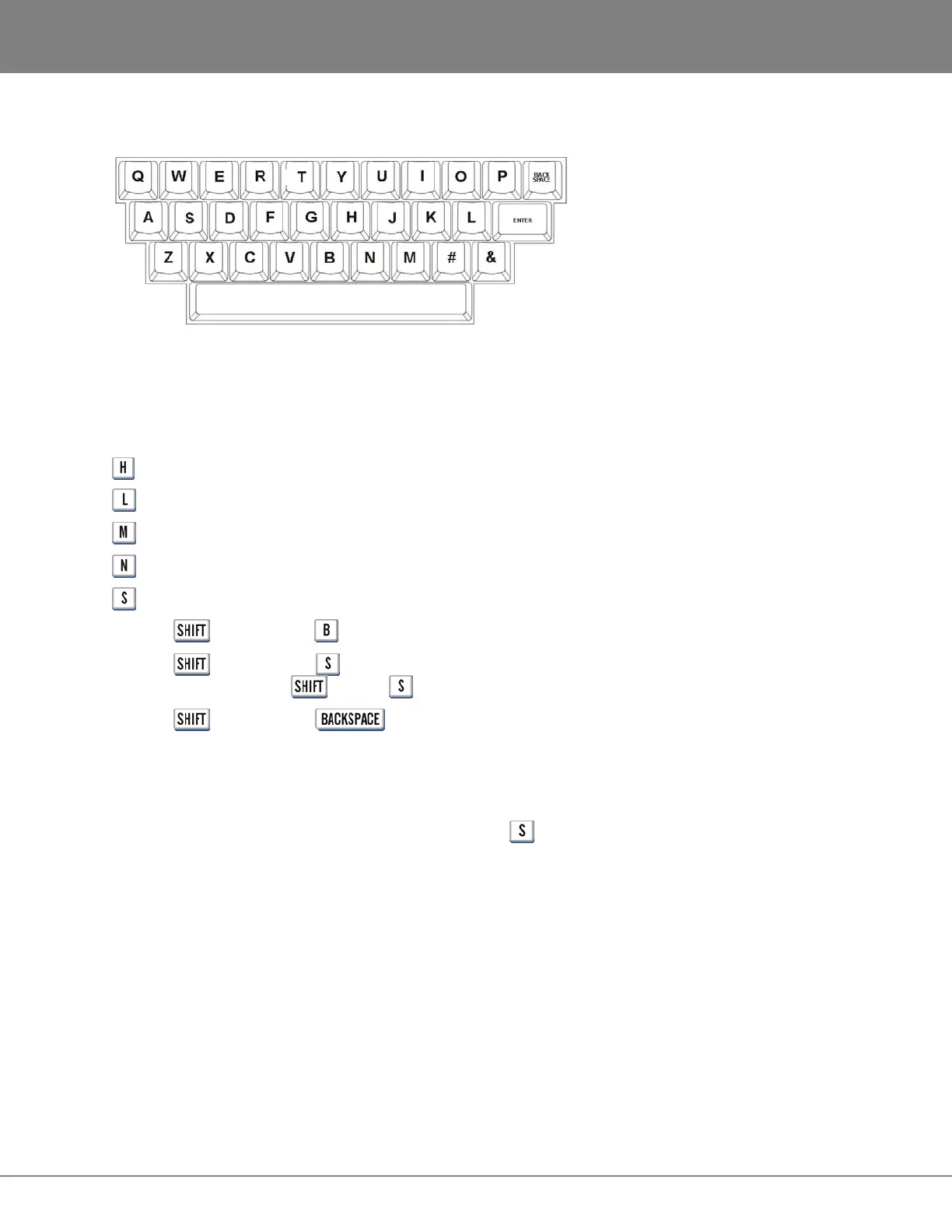
QWERTY KEYS
These keys are used to enter names and other information into RADAR. They are also used as shortcuts
in both transport and menu mode.
TRANSPORT MODE SHORTCUTS
= Launch HELP
= RADARLink ENABLE/DISABLE
= Display the MUTE TRACKS dialogue
= Display the NAME TRACK dialogue
= RADARLink SOLO
Hold the key and press = File Management Browse
Hold the key and press = Screen Saver Lock (RADAR will immediately go into screen saver
mode and stay there until key and are pressed again.)
Hold the key and press = Toggles between debug log and waveform display
MENU MODE SHORTCUTS
QWERTY Keys = Cycle through menu selections starting with that letter.
Example: While in the MAIN MENU, repeatedly pressing cycles through the SYSTEM MENU, SYNC
MENU and SHUTDOWN RADAR selections.
Refer to OPERATIONS: QWERTY KEYBOARD for more information.



 To Next Page