www.izcorp.com • 1.800.776.1356
ADVANCED TRANSPORT KEYS
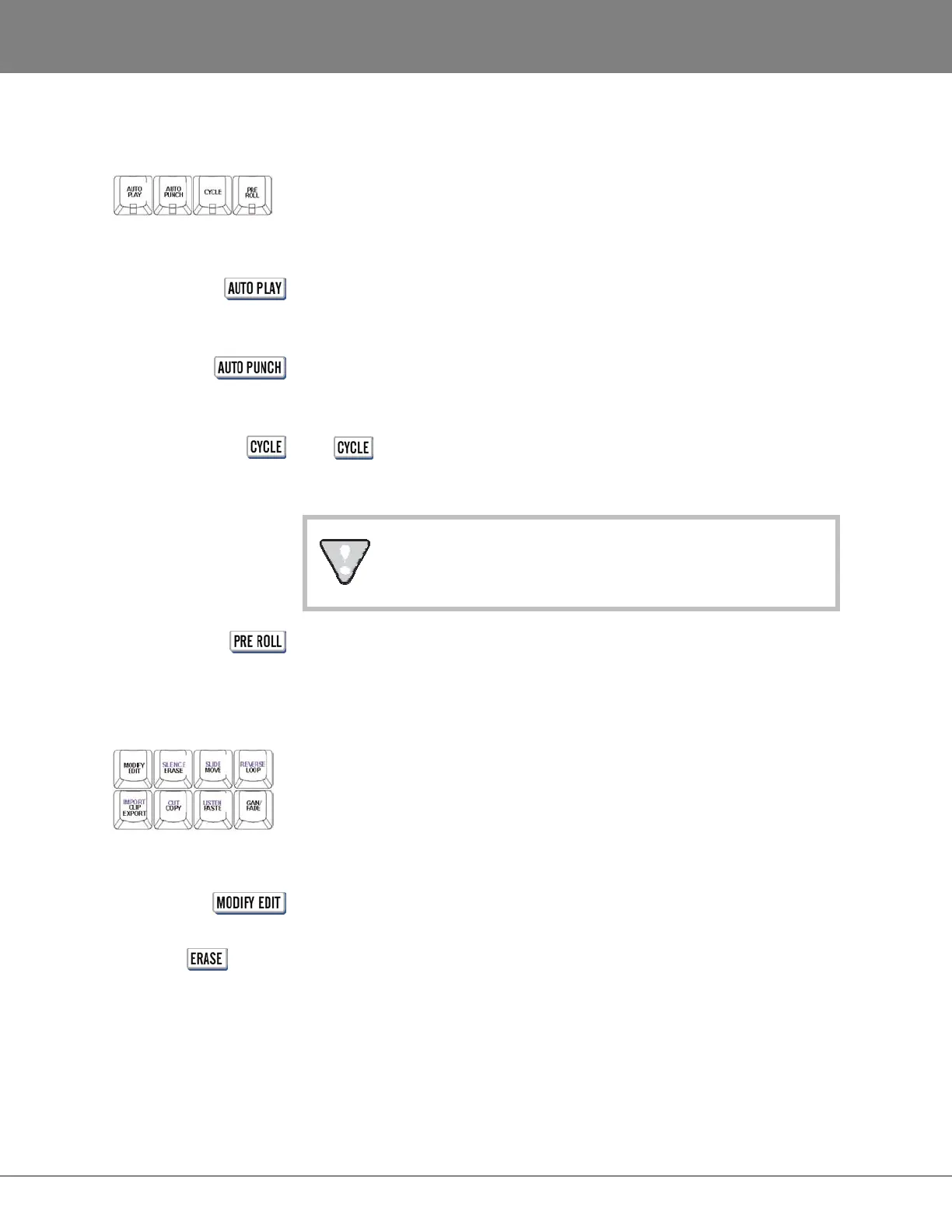
These keys provide access to advanced transport operations.
When used in conjunction with any RECALL LOCATE functions AUTO PLAY
initiates playback automatically once the specified timeline location has been
cued.
AUTO PUNCH uses the MARK IN and MARK OUT locate points to
automatically initiate and terminate recording. Please see OPERATIONS:
RECORDING: AUTO PUNCH for further information.
The key initiates a playback cycle using the MARK IN and MARK OUT
points as a reference. Playback cycling will continue until the cycle key or any
transport key is pressed again.
There is a pause between playback cycles. This is not
intended as a loop previewing function.
This key activates and de-activates the PRE ROLL function. For detailed
information please refer to OPERATIONS: TRANSPORT OPERATIONS: PRE ROLL.
EDIT KEYS
The editing keys provide direct access to almost all of the functions contained in the EDIT MENU.
This function allows quick and easy fine-tuning of the current edit. For details
refer to OPERATIONS: EDITING: EDITING FUNCTIONS.
(SILENCE)
Use ERASE to eliminate audio without affecting post-edit audio on the project
timeline. See OPERATIONS: EDITING: EDITING FUNCTIONS: ERASE for further
information.
The shifted function SILENCE can be used to insert a silent region into the
project timeline. Refer to OPERATIONS: EDITING: EDITING FUNCTIONS for more
information.



 To Next Page