iZ Technology Corporation
Version 3.50
APPENDIX B
iZOS FILE MANAGEMENT WORKSPACE
_______
This section provides an overview of the iZOS File Management Workspace and describes how to:
• connect & mount external drives
• mount network drives
• copy files to destination drives
OVERVIEW
__________________________________________
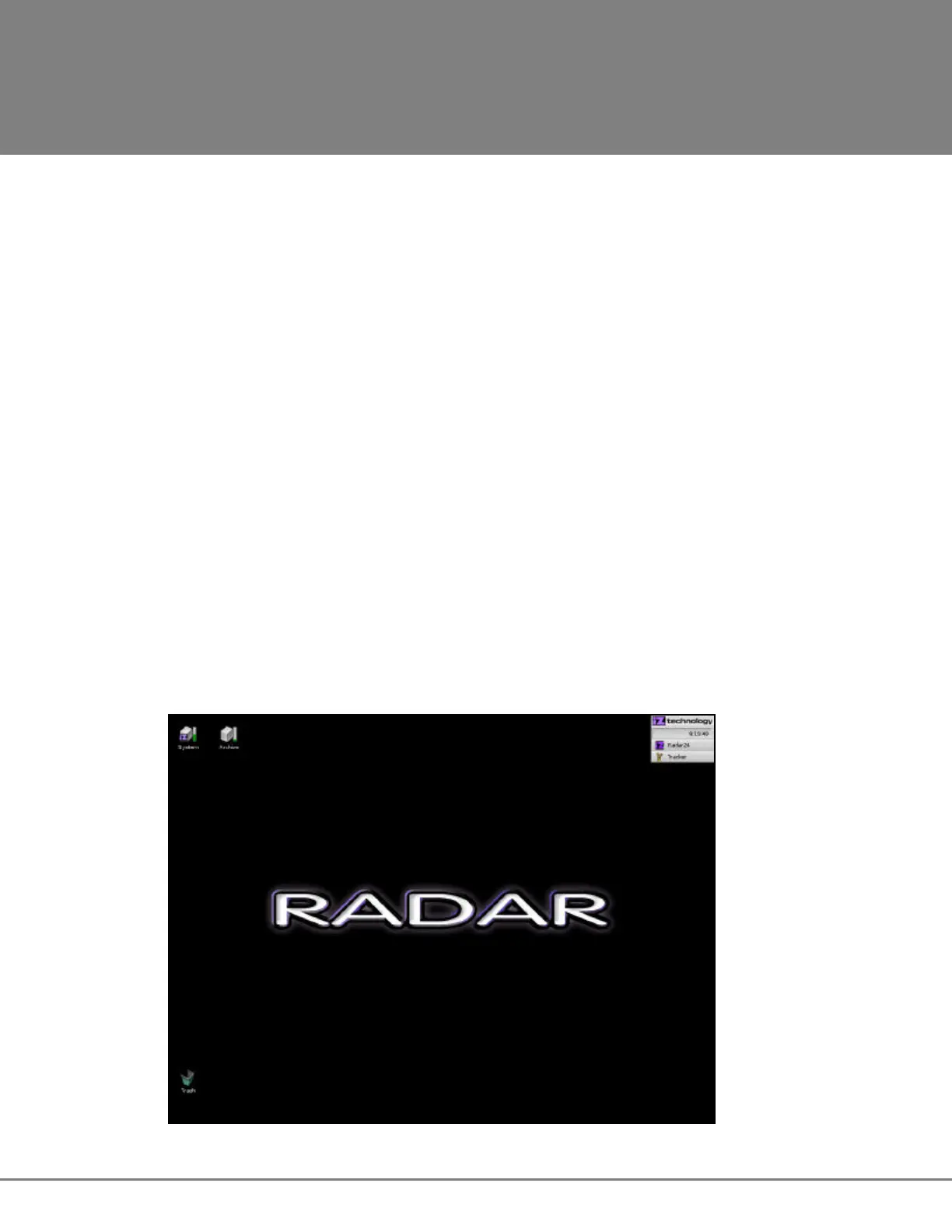
iZOS includes the iZOS File Management Workspace - a mouse-driven, dedicated file management
system. The iZOS File Management Workspace provides the same functions as the RADAR Application
Menu item labeled File Management (MAIN MENU / FILE MENU / FILE MANAGEMENT), however its
interface offers a larger viewing area and easy drag and drop functionality. With the iZOS File
Management Workspace RADAR users can:
• drag and drop files for transfer or backup purposes between the RADAR Archive drive, an
external drive connected via USB, or a network drive
• manage files in the RADAR Archive drive.



 To Next Page