iZ Technology Corporation
RADAR 3.50 i ZOS FILE MANAGEMENT WORKSPACE
B3
COPYING FILES TO A DESTINATION DRIV E
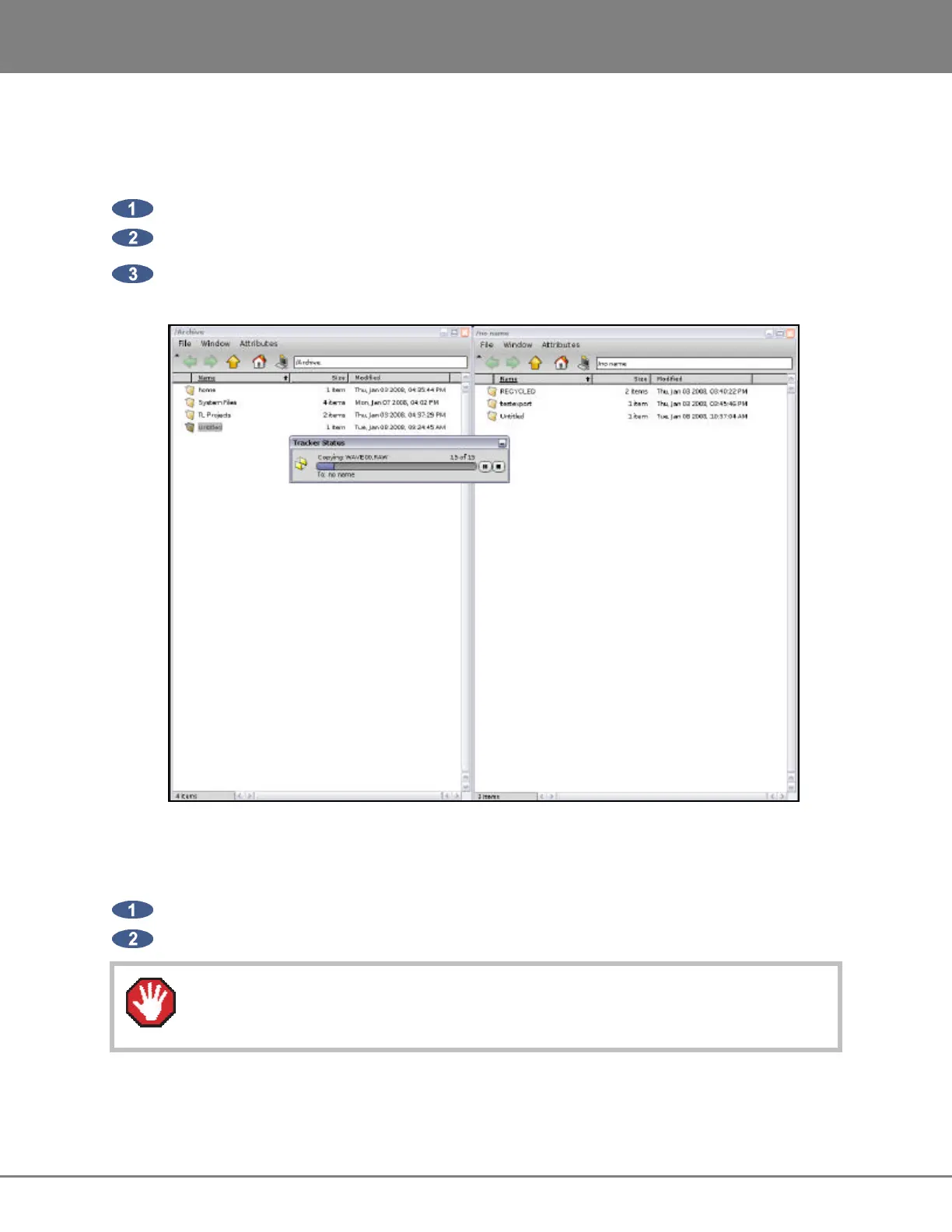
Use the following steps to copy files to or from an external USB drive or network drive:
Open the source drive folder by double clicking on the source drive’s icon on the desktop.
Open the destination drive folder by double clicking on the destination drive’s icon on the desktop.
In the source drive folder, highlight the files/folders to be copied, then drag them to the destination
drive folder.
UNMOUNTING USB DRIVES
Use the following steps to unmount an external USB drive before physically removing it from the RADAR:
Right click on the USB drive icon on the desktop and select UNMOUNT.
Once the volume is unmounted, it is safe to remove the drive from RADAR.
Failure to unmount an USB drive correctly can cause damage to the data on the drive.



 To Next Page