2MN/2N1
1-5-70
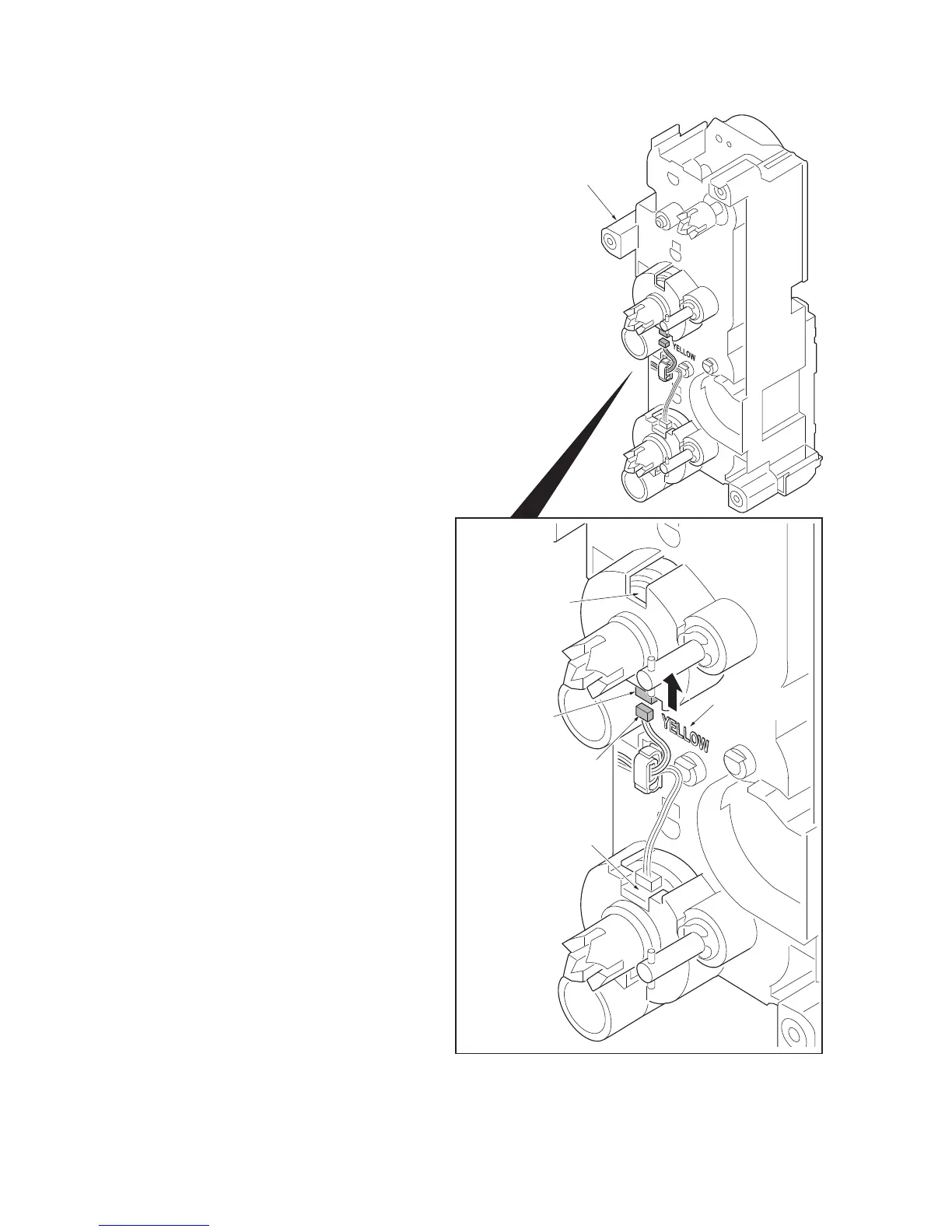
21. Check or replace the feed drive unit and
refit all the removed parts.
*: Connect the connector (yellow) to the
connector of paper feed clutch 1 on
stamp [YELLOW] side as before, when
removing the connector of the paper
feed clutch as the check of the feed
drive unit etc.
Figure 1-5-111
Feed drive unit
Connector
(Yellow)
Connector
Paper feed
clutch 1
Marking
[YELLOW]
Paper feed clutch 2



 To Next Page
 Loading...






