3-18 Tab and Setting Displays Model 831 Manual
• Device: Enter instrument identification.
• Time: Set date and time.
• Power: Set controls affecting power consumption.
• Preferences: Set a variety of system parameters such as
Autostore and USB Storage.
• Localization: Set the regional characteristics, such as
Language, Decimal Symbol, Date Format and Units.
• Displays: Set customization of Displays.
• Logic I/O: Configure logic in and logic out options for
the Model 831 control port.
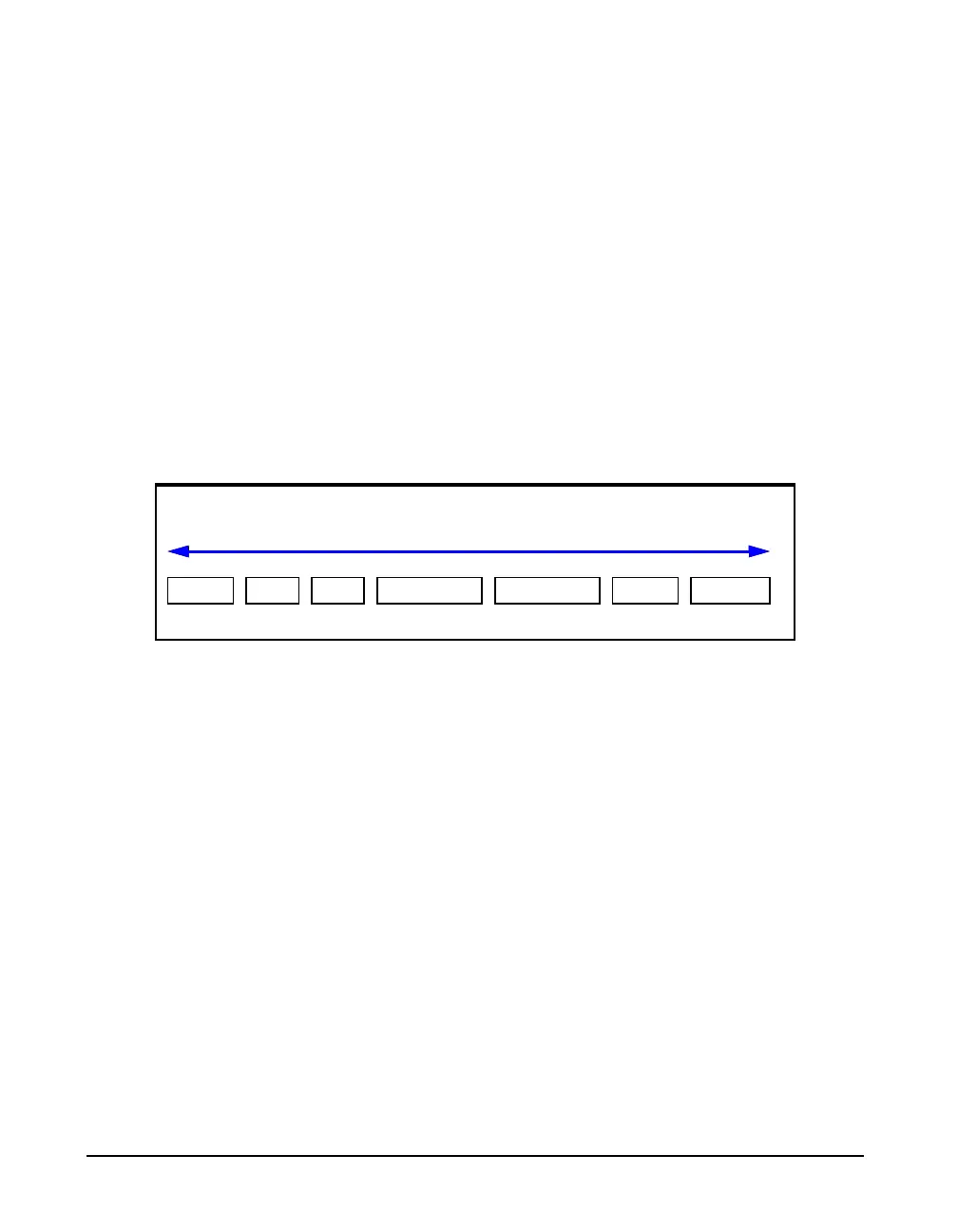
FIGURE 3-11 shows System Properties tabs sequence.
FIGURE 3-11 System Property Tabs
The Right and Left Softkeys are used to scroll between
System Property tabs.
Lock
For a detailed description of the
Lock feature, see Chapter 21 "Lock/
Unlock the Model 831" on page 21-
1.
Lock permits the Model 831 to be configured such that
certain keys are locked so their functionality cannot be
utilized.
Communication
For a detailed description of the
Communication tabs, see Chapter 20
"Communication" on page 20-1.
The Communication tabs are used to setup and monitor
communications between the Model 831 and a PC using a
dial-up modem, wireless EDGE modem or RS-232
interface.
Device Time Power Preferences Localization Displays Logic I/O
Softkey Selection of Systems Property Pages



 To Next Page