Group 7 Data/Programming Page 106
Release R1.03e LEIBINGER JET3
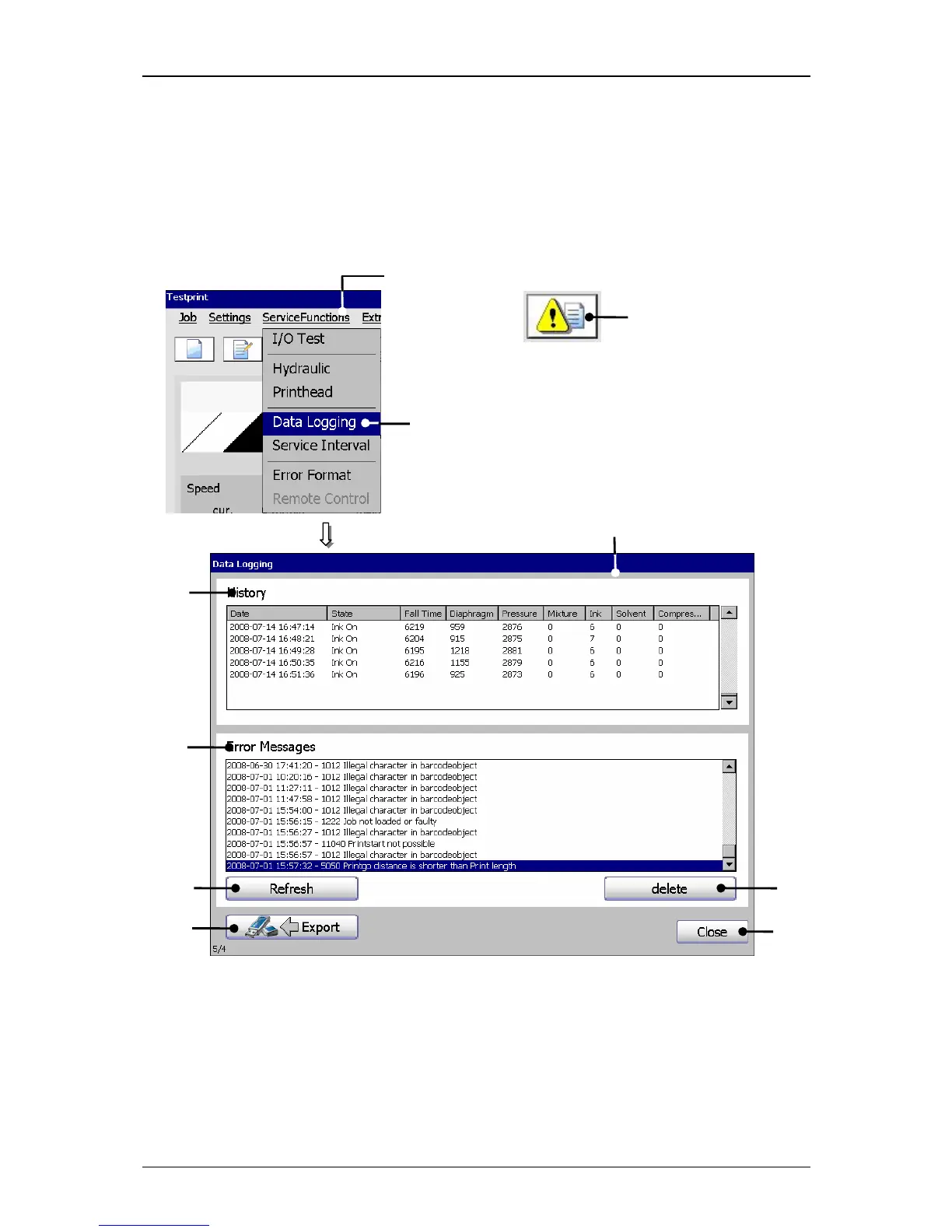
7.4.5 Data logging (Log file)
In the log file all events and reports of the last 72 hours are saved in cycles of
approx. every minute. With the obtained history, processes can be reproduced and
causes can be identified.
Figure 55
Data logging window
1 – Button <ServiceFunctions> 6 – Button <Export>
2 – Option <Data Logging> 7 – Display <Error Messages>
3 – Direct button (Icon) 8 – Button <Refresh>
4 – Window <Data Logging> 9 – Button <delete>
5 – Display<History> 10 – Button <Close>
1
2



 To Next Page