Group 7 Data/Programming Page 77
Release R1.03e LEIBINGER JET3
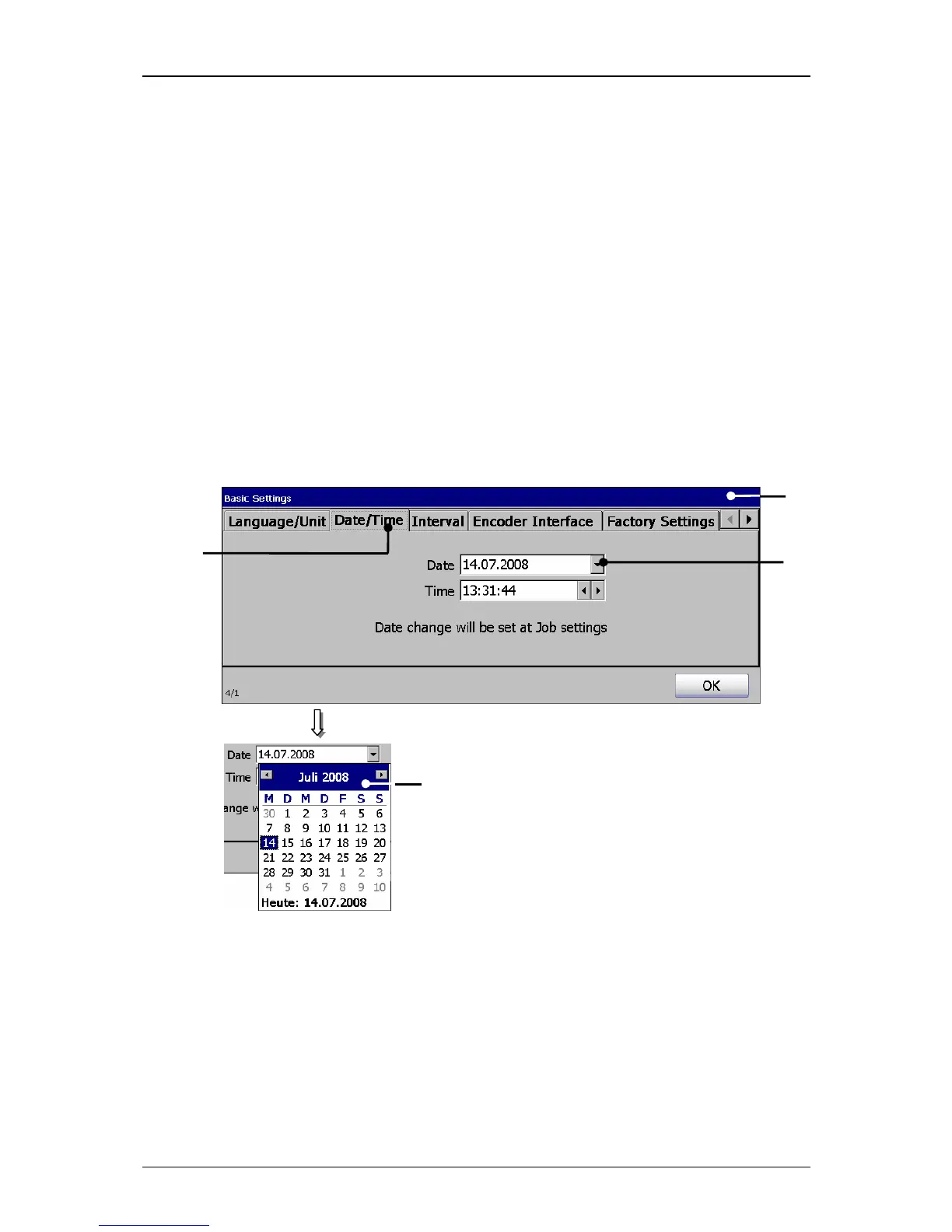
7.3.1.2 Date and time
Under the register card <Date/Time> you can set the current time and date.
1. Date:
Proceeding:
Press on the register card <Date/Time> (2) to select the functional area.
Press on the arrow button of the pop-up window <Date> (3). A calendar (4)
opens.
Select the requested date. The calendar will be automatically closed and the
selected date is taken over.
Figure 36
Set date



 To Next Page