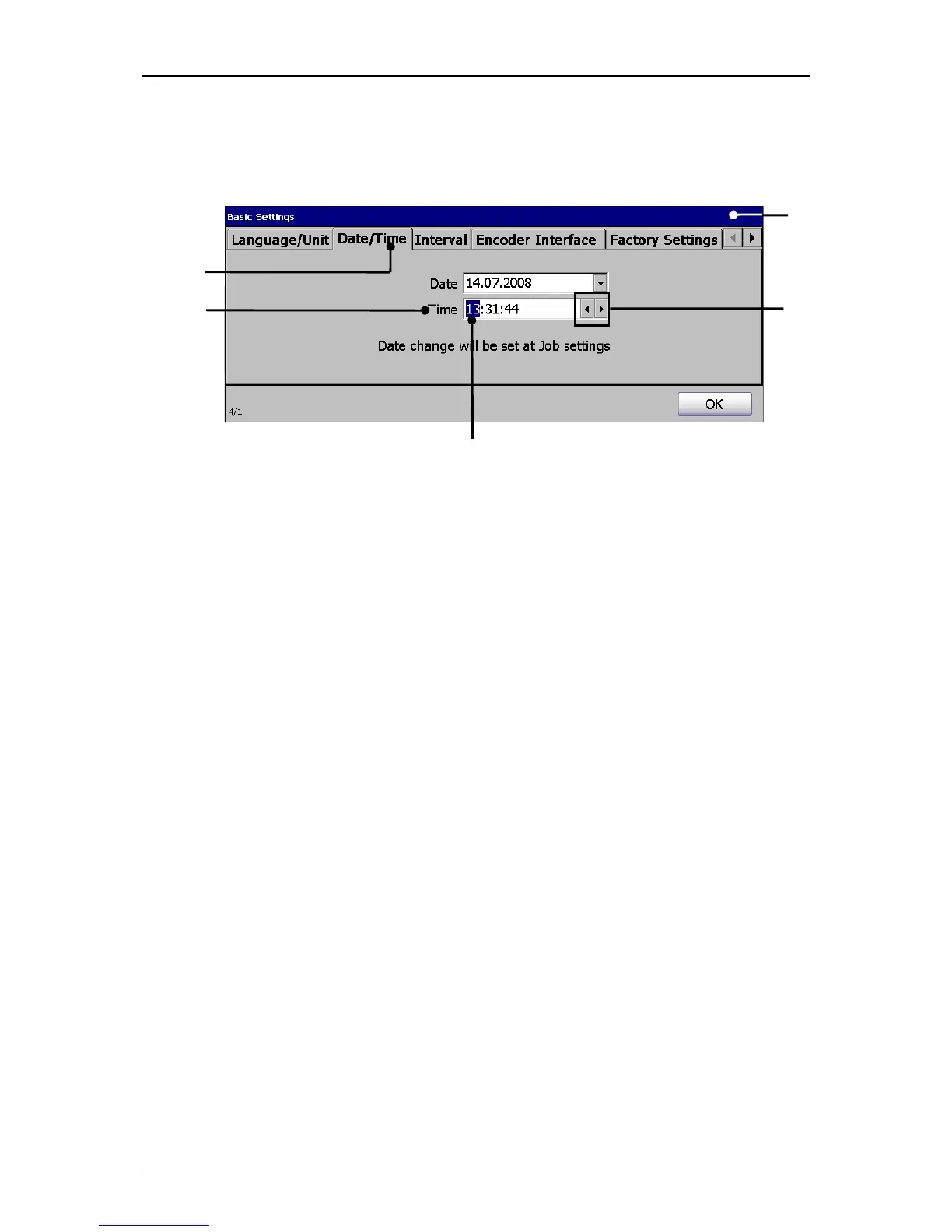
1 – Menu <Basic Settings> 4 – Example hour block selected
2 – Register card <Date/Time> 5 – Arrow buttons
3 – Setting field <Time>
Proceeding:
Press on the register card <Date/Time> (2) to select the functional area.
Now mark in the setting field <Time> (3) the hour-, minute- or second block
to change the values.
With the two <Arrow buttons> (5) you can increase or reduce the values of
the blocks wich are each marked.



 To Next Page