Group 8 Job editor Page 179
Release R1.03e LEIBINGER JET3
8.5.2.5 Return stop (Stop backwards)
With the control box <lock backward>
the function „lock backward movement of
the encoder“ is activated or deactivated.
For activated “lock backward” the strokes which are generated for a possible
backward motion will be included for following forward motion to control the
correct start of the text output.
That means the print will be only continued if the correct printing position has been
reached. Therefore you will get a print without any gaps or overlaps.
8.5.3 Font parameter values (Print style)
The menu <Printstyle> allows the design of the text layout.
The following settings can be carried out:
Selection of print height Selection of orientation
Selection of font width (Stroke distance) Selection of print mode
8.5.3.1 Print height
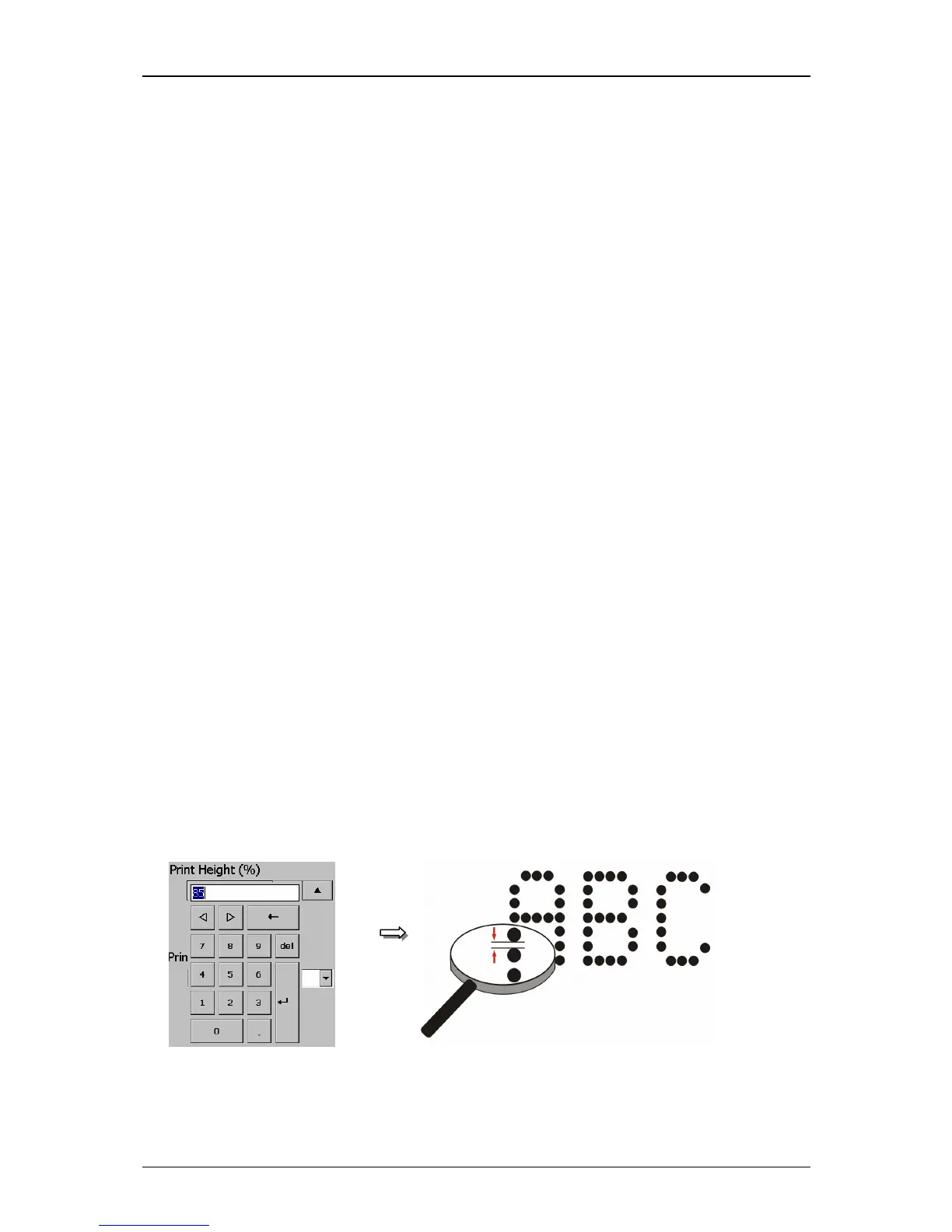
The setting determines the print height. The print height is determined by the
vertical drop distance. The value can set between 1 – 100%.
The set value is shown on the accordant display field.
As higher the entered value, as larger the distance between the single dots.
Figure 112
Print height



 To Next Page