Group 8 Job editor Page 169
Release R1.03e LEIBINGER JET3
8.5 Parameter settings
You will find further information regarding the calling of the several
submenus and the processing of settings in the chapter Parameter
you can commit the kind of text output, select the
PrintGo source and you can activate or deactivate the monitoring functions.
The following settings can be carried out:
PrintGo-Delay Drop Flighttime
PrintGo-Distance Selection of PrintGo Source
PrintGo-Repeat Selection of function PrintGo-Gate
PrintGo-Holdoff Distance Selection monitoring functions
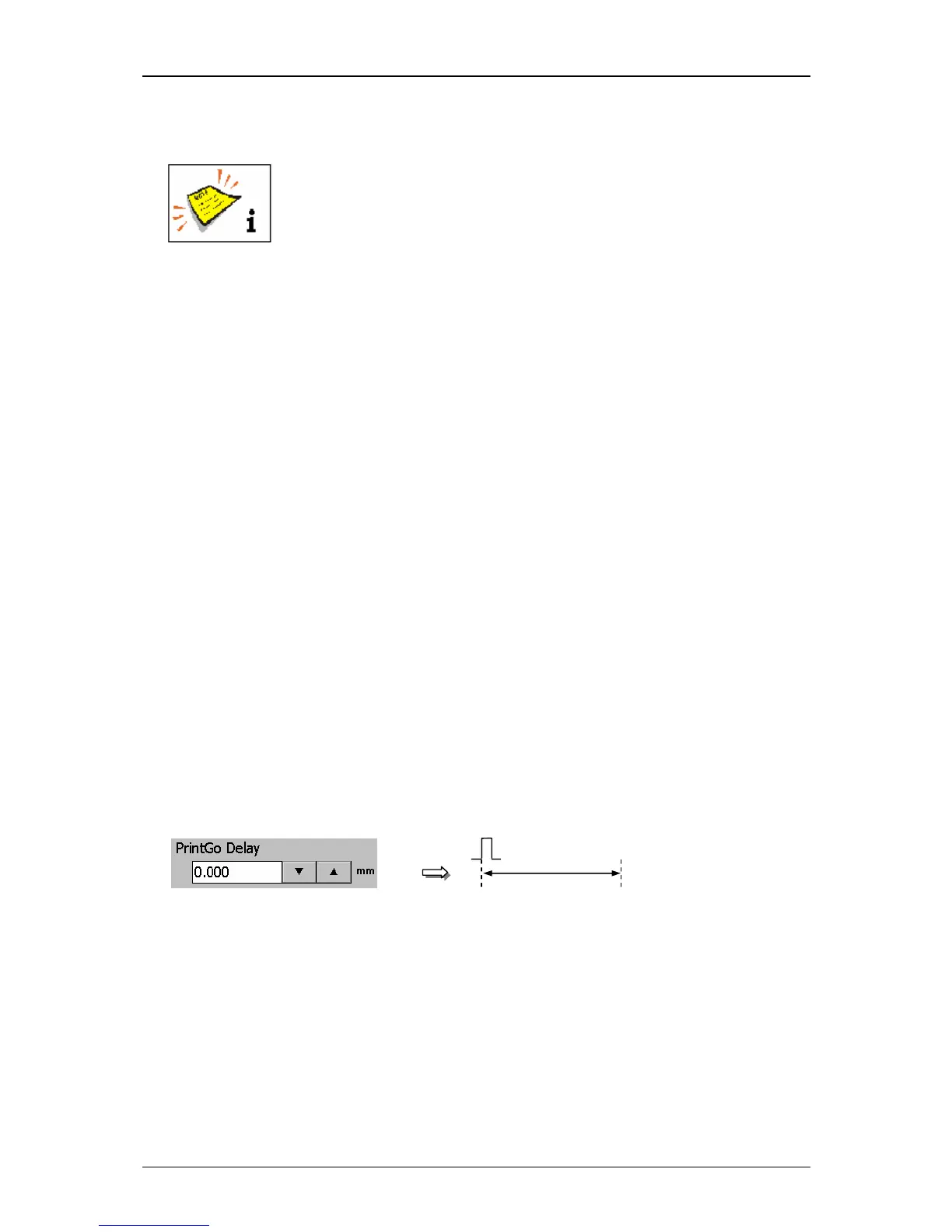
8.5.1.1 PrintGo-delay
The setting allows the delay of the text output by the entered value. The input
happens in the measurement which has been selected in the basic settings.
The set value is shown on the accordant display field.
As higher the entered value, as later starts the print.
Figure 103
PrintGo-delay



 To Next Page