Group 8 Job editor Page 151
Release R1.03e LEIBINGER JET3
Object frame (11): A selected printing element is marked with a red object
frame.
Skip buttons (12): With the buttons you can skip from one printing element to
the other.
Directional buttons (13): With the four directional buttons you can shift a
selected printing element easily and accurately (pixel accurate). With every
pressing on the accordant directional button the element is shifted by one raster
point to the particular direction.
The button <Close> (14) closes the editor menu. If the inputs have been not
saved, an accordant safety query is faded in.
8.2 Job editor tools
8.2.1 Edit tools
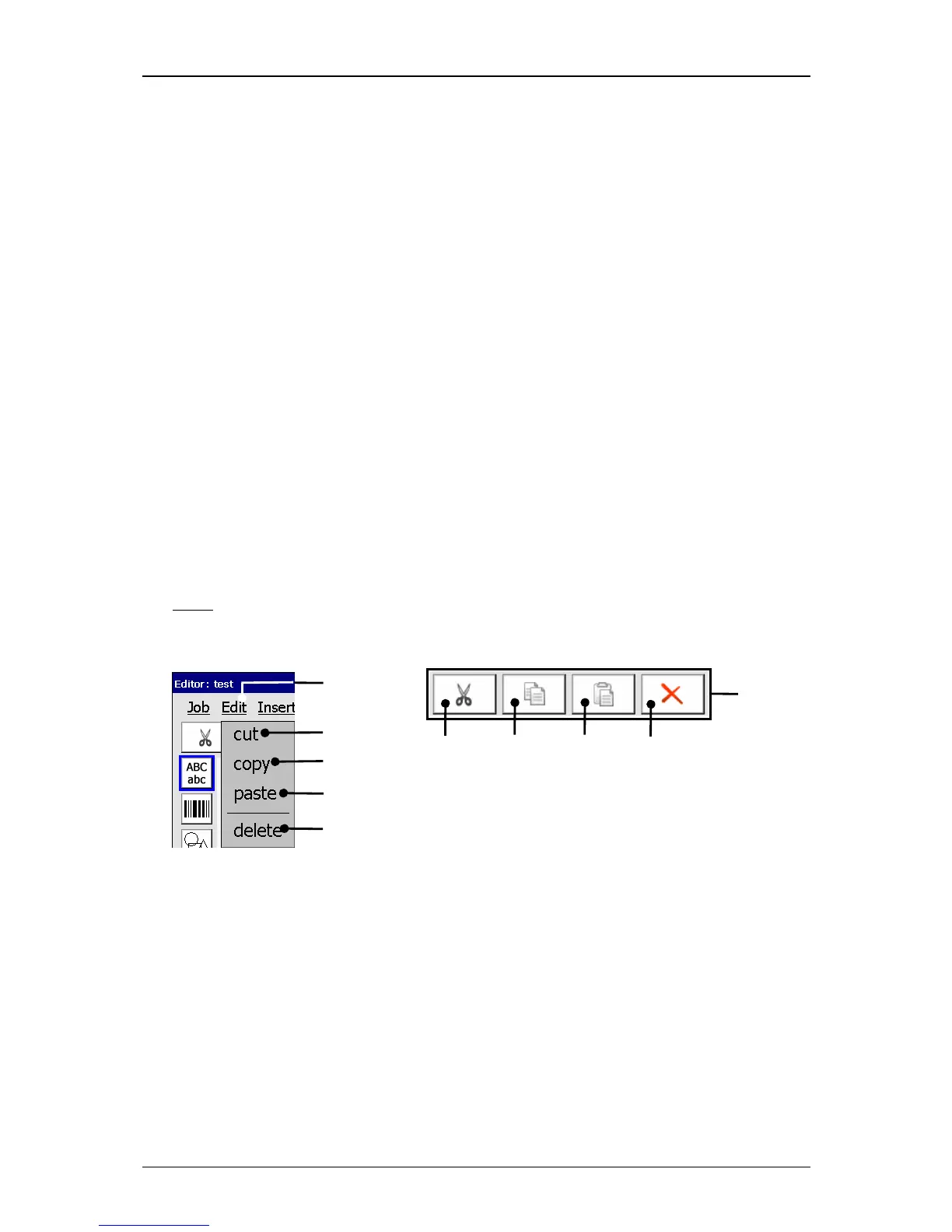
With the button <Edit> you can select the editor tools. Further more you can also
select the several tools with the available Icons (direct buttons).
Note:
The function of the tools corresponds to the Windows™-functions.
Figure 86
Job editor (Edit tools)
1 – Button <Edit> 4 – Edit tool <paste>
2 – Edit tool <cut> 5 – Edit tool <delete>
3 – Edit tool <copy> 6 – Direct buttons (Icons)



 To Next Page