Group 8 Job editor Page 164
Release R1.03e LEIBINGER JET3
The following settings can be carried out:
Pos. Object settings Note
1. Font selection Not available for barcodes and graphics
2. Contrast value
3. Position X/Y
4. Orientation
5.1 Display mirrored
5.2 Display inverted
5.3 Display alternating
5.4 Display proportional Not available for barcodes and graphics
6. ICG-value Not available for barcodes and graphics
7. Bold level Not available for barcodes and graphics
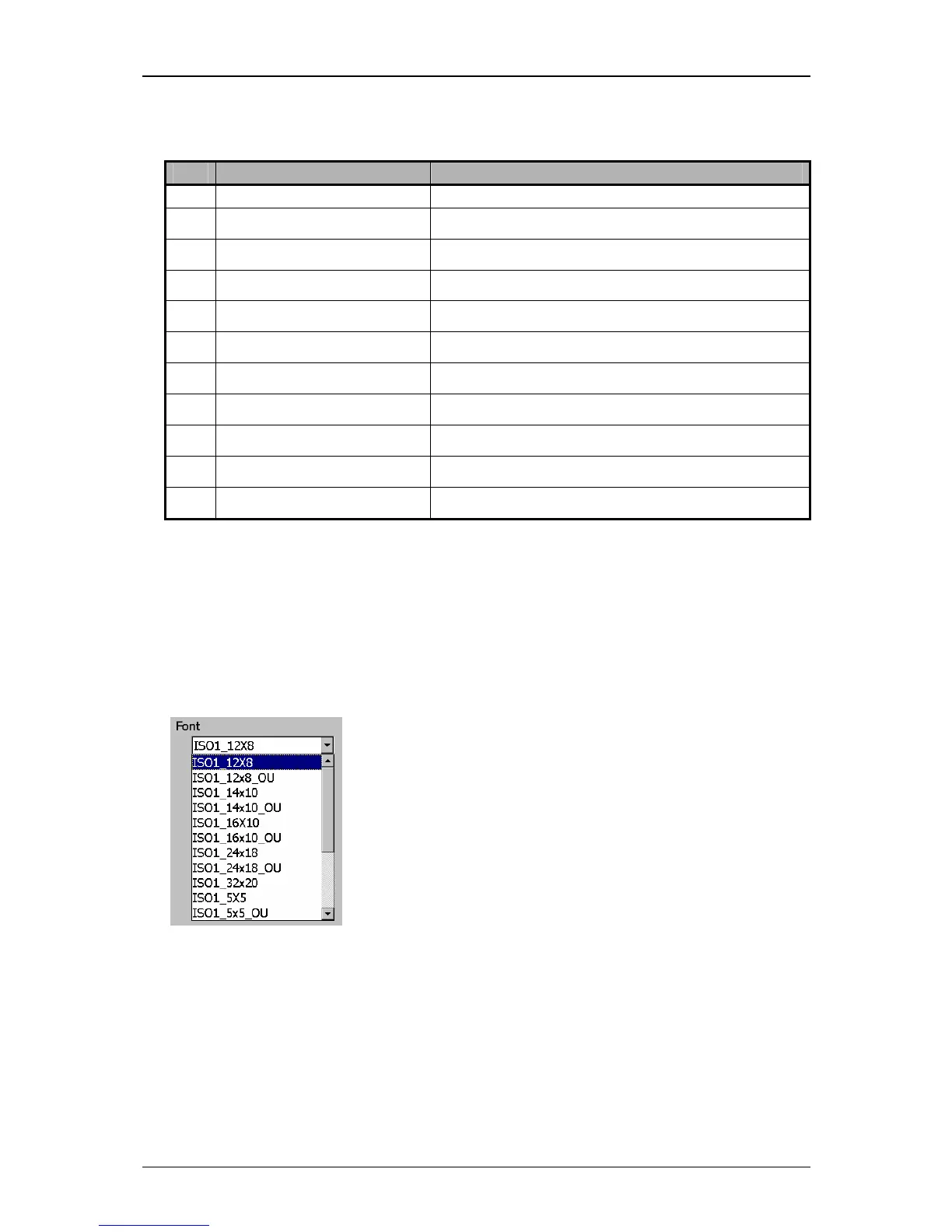
8.4.1 Font selection
With the Pop-up window <Font>



 To Next Page