Group 5 Transport/Start up Page 40
Release R1.03e LEIBINGER JET3
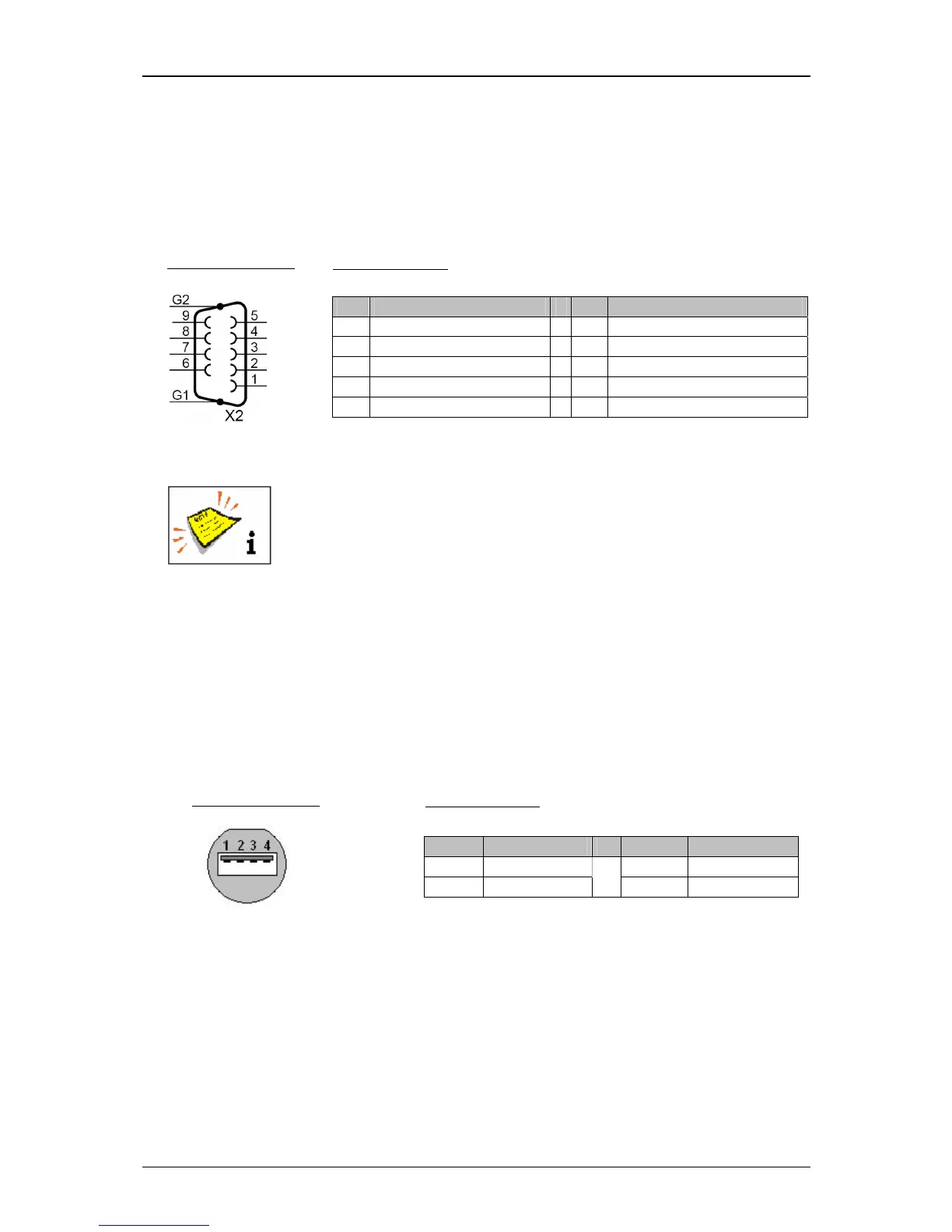
5.4.6 Interface X2 (Serial interface)
The interface “X2” is a serial data interface with a transfer rate up to 115200 Baud.
The access is suitable for a connection to the printer to application-specific software
for the data management and for the remote control of the printer.
The function allocations of the outputs is carried out by the software
of the JET3 in the menu Settings X I/O-Settings X Outputs.
You will find a circuit diagram of the interface in the appendix of this
manual!
5.4.7 USB-Connection
By the USB-connection you can connect all common USB-devices as e.g. mouse,
keyboard or USB-stick very simply. All data can be exchanged comfortable and
simply by the USB-connection. Software updates, exchange of variable printing data
or memory expansions can be carried out simply with the USB-stick.



 To Next Page