Gruppe 6 Bedienung – Einstellungen und Funktionen Seite 64
Release R1.03e LEIBINGER JET3
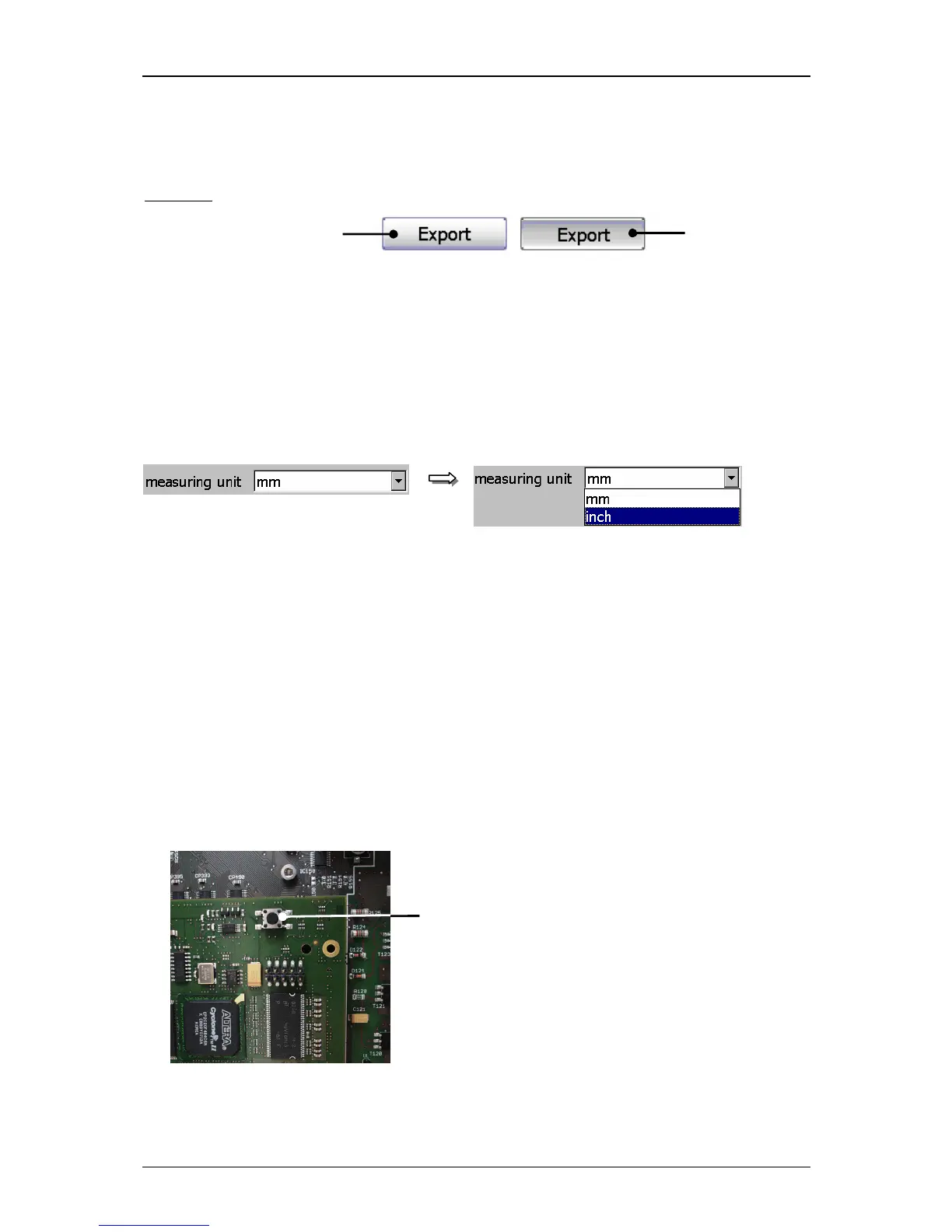
If a function is activated or just carried out the background of the button will be
displayed blue-grey during the process.
Example:
Pop-up window:
If several functions can be selected in one menu point or different parameters can be
set, the selection happens by a so-called pop-up window.
Figure 25
Menu layout (Pop-up window)
6.6 Other settings and functions
6.6.1 Carry out Hardware Reset
Reset-switch:
Enables the reset of the electronic in case of error. It is placed in the electronic-
cabinet on the main board (controller board).
Figure 26
1 – Reset-switch



 To Next Page