6.5 Menu layout
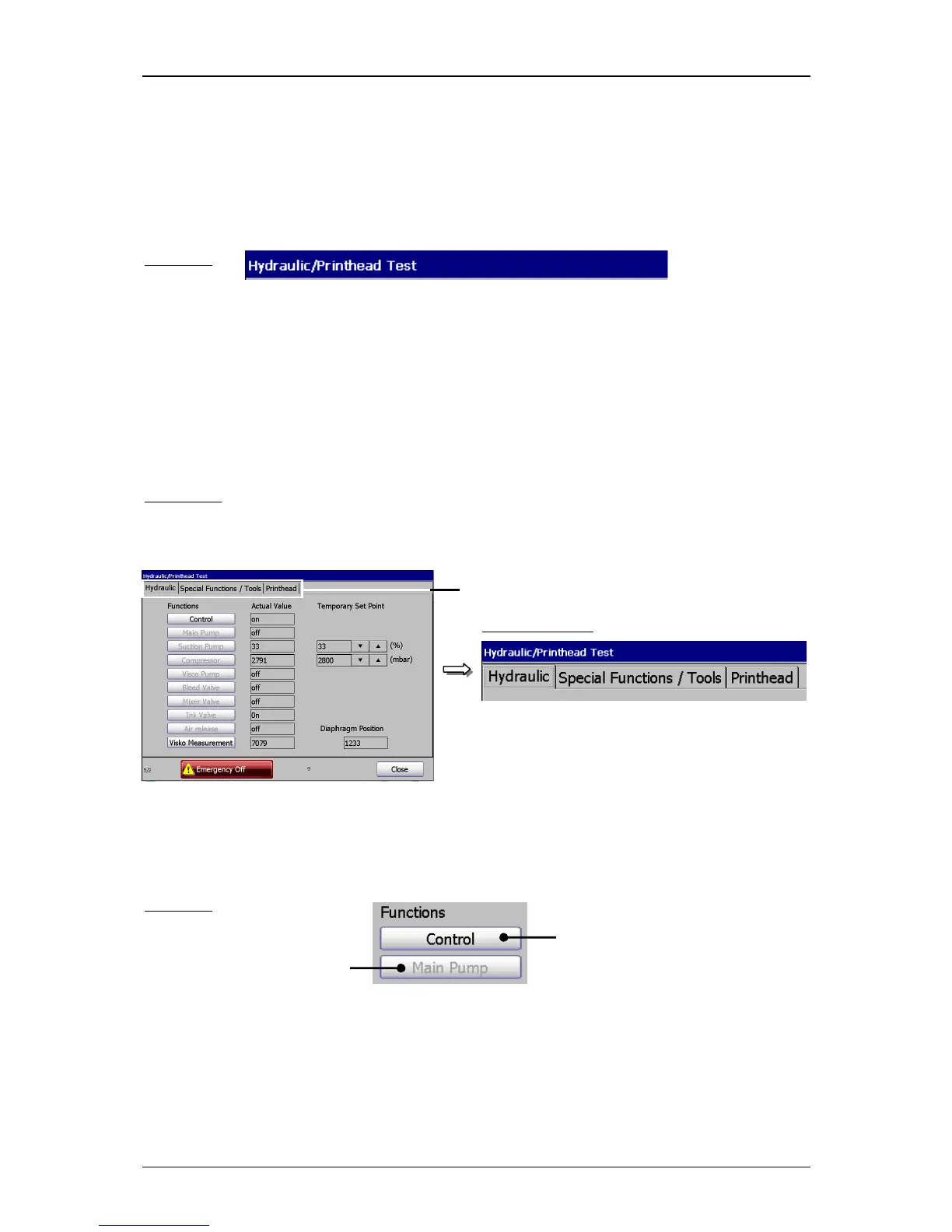
Title bar:
The title bar is displayed at the top of a menu and contains the designation of the menu.
Example:
Register cards:
Complex menus are divided into so-called registers to get a better clearness. A register
arranges the several menu points to logical functional areas.
The selection of a functional area happens by clicking on the corresponding register
card.
Comment:
The proceeding corresponds to the Window™-standard procedure.
Figure 24
1 – Register cards
Menu layout (Register cards)



 To Next Page