Group 7 Data/Programming Page 110
Release R1.03e LEIBINGER JET3
7.5 Extra (Additional functions)
With the button <Extra> in the main menu bar the submenu „Extra“ is displayed. The
following options are available:
Test Print Direct Printstart Product Counter
Login Interface Settings Editors
Explorer Reload all Fonts Touch Calibration
Database Settings Save Counters
7.5.1 Save counter states
For leaving a job, the counter status of integrated job counters are normally not
saved, that means for calling this job again, the counter states are 0 respectively set
to the predefined start values.
If the print should be continued with
already existing counter states for calling the
job again, you have to activate the function <Save Counters>. If this function is
activated it is displayed by a √
on the button of the function.
The function is activated or deactivated as following:
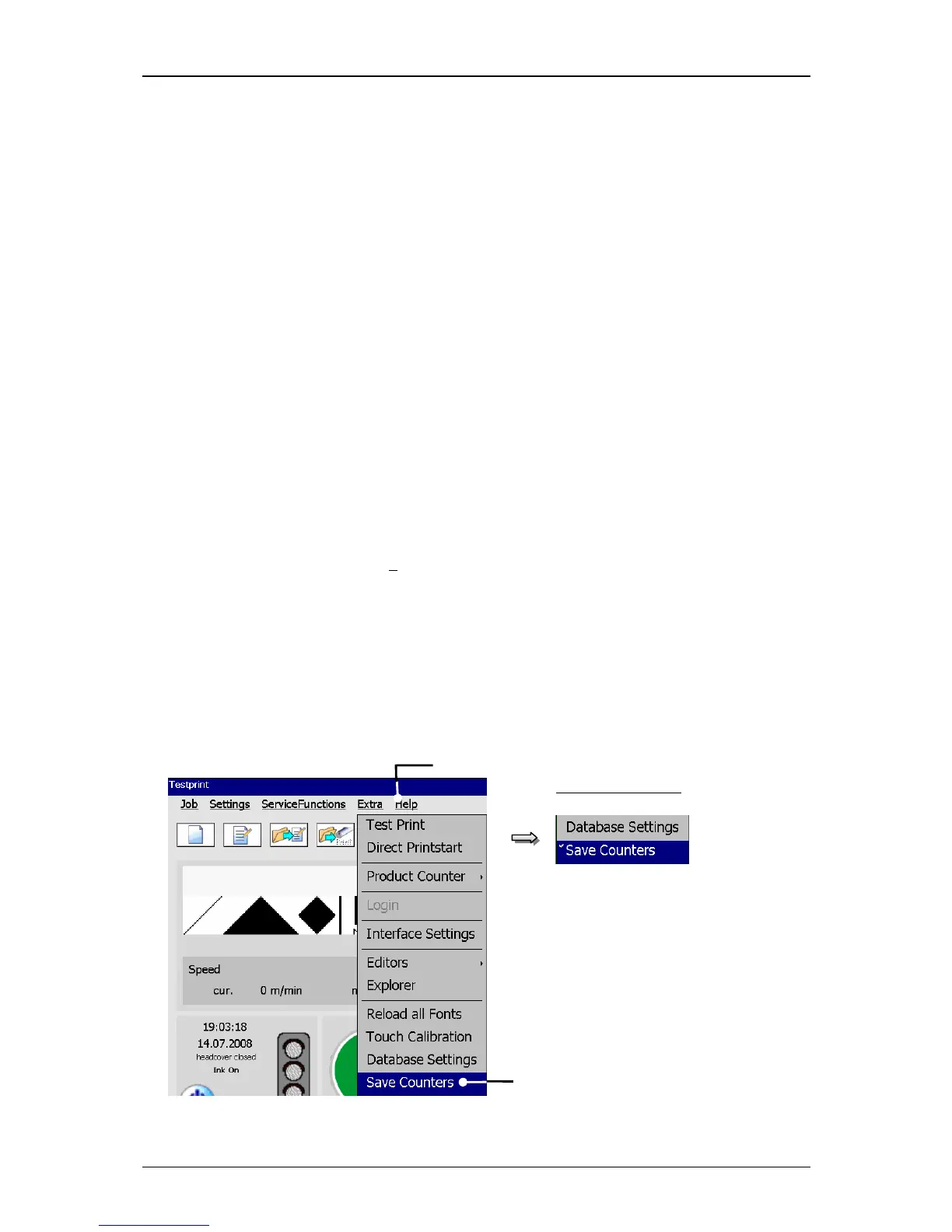
Press the button <Extra> (1) and the option <Save Counters> (2).
The function is activated or deactivated depending on the existing state.
Figure 58
Save counter states



 To Next Page