Group 7 Data/Programming Page 142
Release R1.03e LEIBINGER JET3
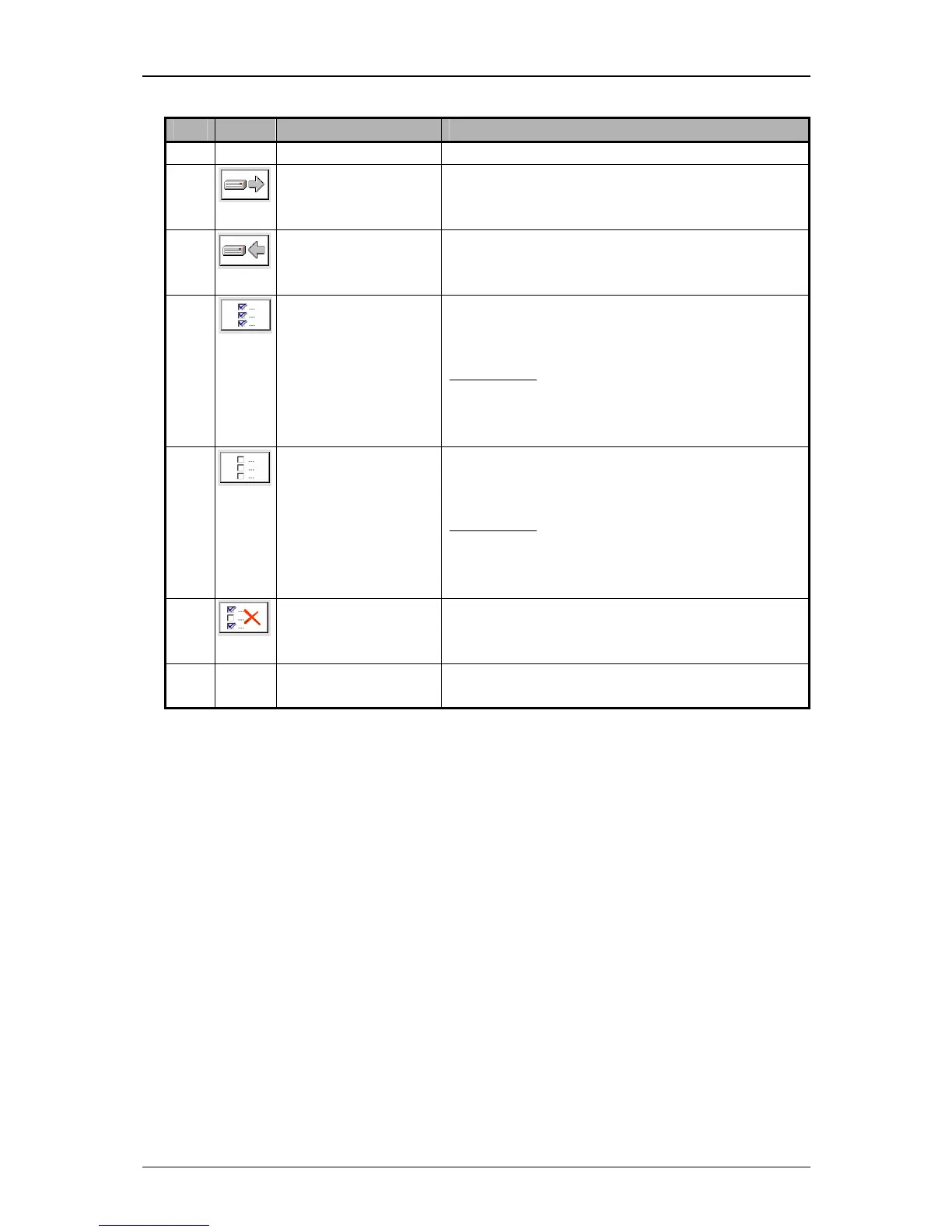
Pos. Icon Tool Function
2. Copy to (external)
device
Copy marked data to an external memory
device.
3. Copy to Harddisc
(internal memory)
Copy marked data from an external memory
device to the internal memory of the JET3.
4. Select All
Selects all data in the active selection
window.
Annotation:
The selection of several data
happens by clicking on the
accordant control box or the
designation.
5. Select None
(Cancel selection)
Cancels the selection of all data of the active
selection window.
Annotation:
The selection of several data is
cancelled by clicking on the
accordant control box or the
designation.
6. Delete
Deletes all marked data in the active selection
window.
7. Clone Harddisc Dublicates all data of the LJ3 to an external
data carrier.



 To Next Page