Group 8 Job editor Page 182
Release R1.03e LEIBINGER JET3
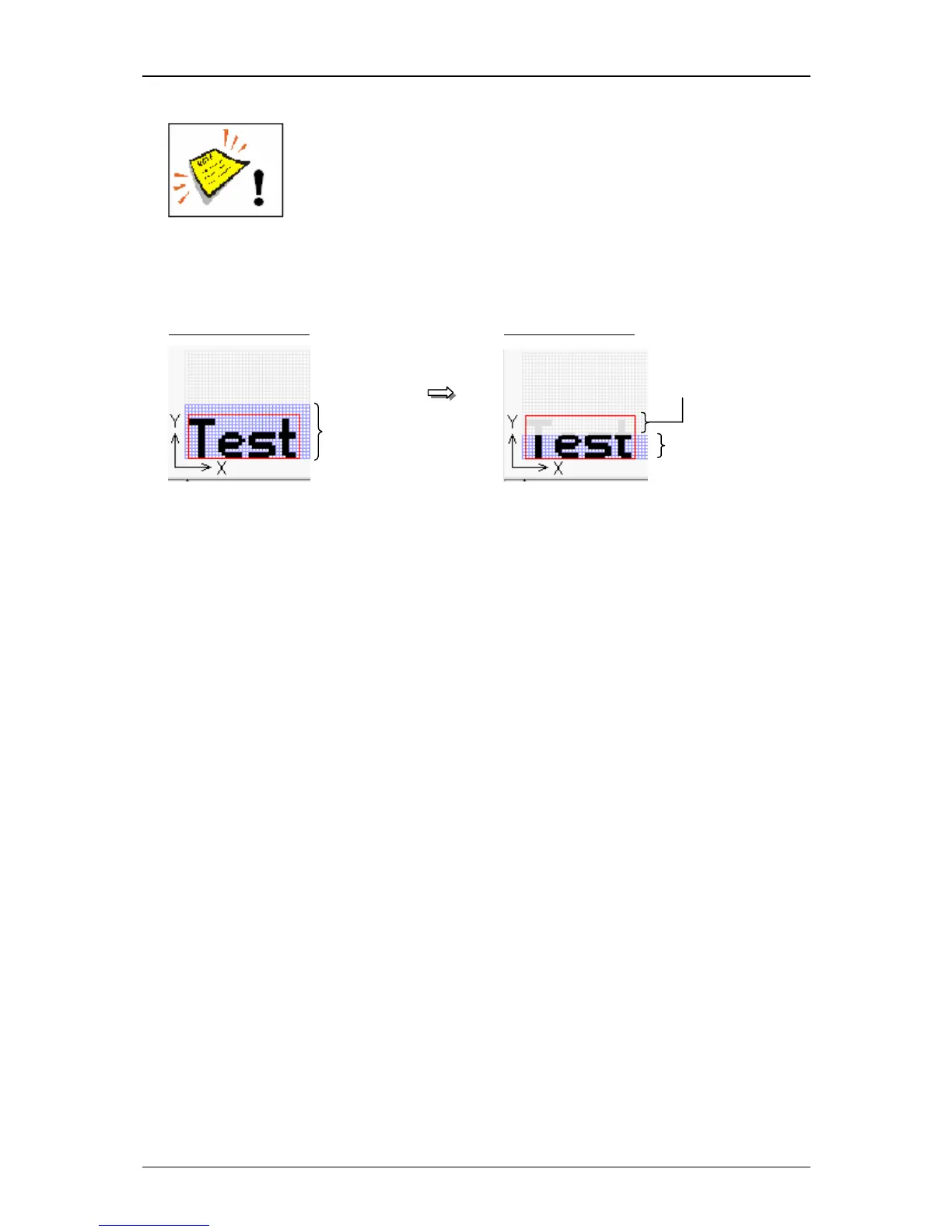
Attention! You always have to set a print mode which is larger than
the selected matrix, otherwise incomplete imprints can be caused.
An error between the selected printing mode and the selected
matrix can be identified in the display field <Print image> of the
Job editor.
Example (for matrix 12x 8):



 To Next Page