Operation
4
Display unit
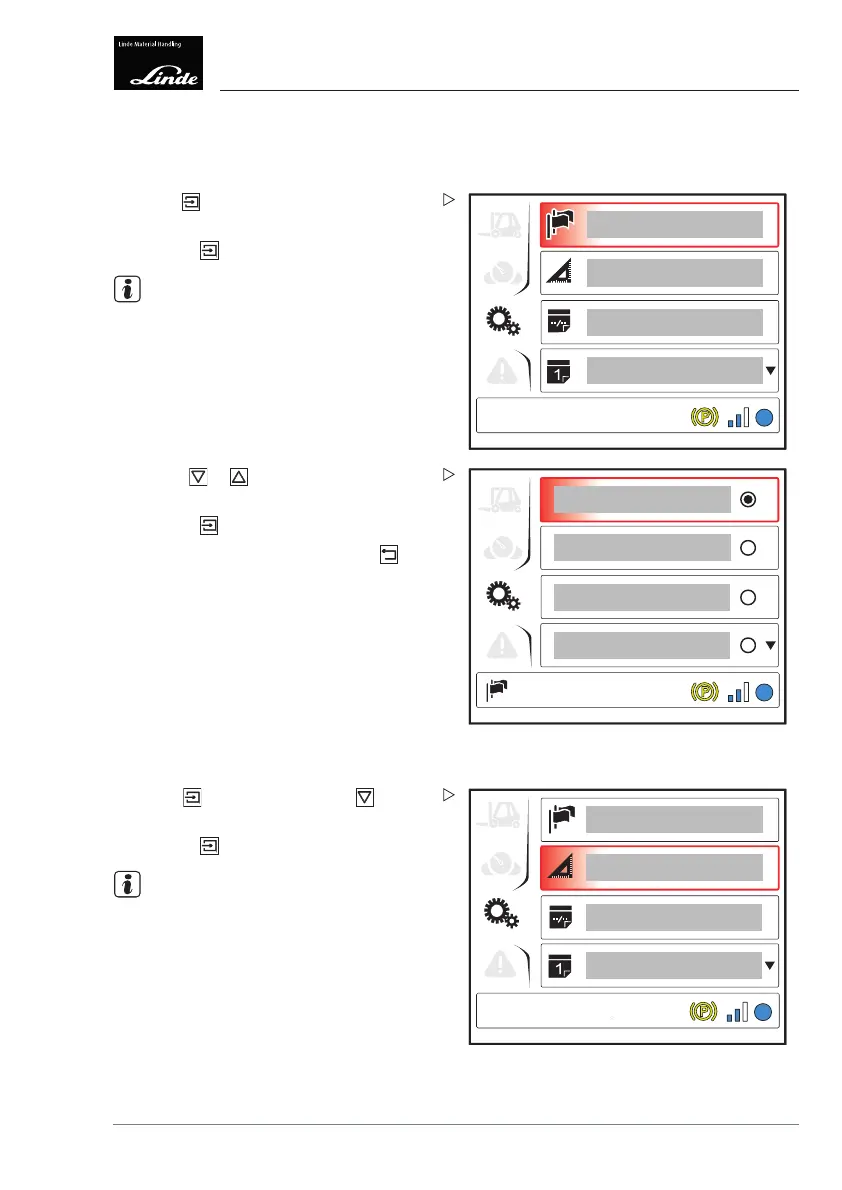
Settings menu
Setting the language
1
EFF
Display_e0013a
Press the button. The "Language"(1) menu
item is selected.
Press the
button.
NOTE
The "Language" symbol appears at the bottom
left of the display.
EFF
Display_e0014a
Use the or buttons to select the
desired language.
Press the
button to c
onfirm.
To return to the top level, press the
button.
Setting the units
1
EFF
Display_e0015a
Press the button then press the button
to select the "Units" (1) menu item.
Press the
button.
NOTE
The "Units" symbol appears at the bottom left
of the display.
Operating Instructions – 3888011701 EN – 12/2017 95



 To Next Page