Operation
4
Display unit
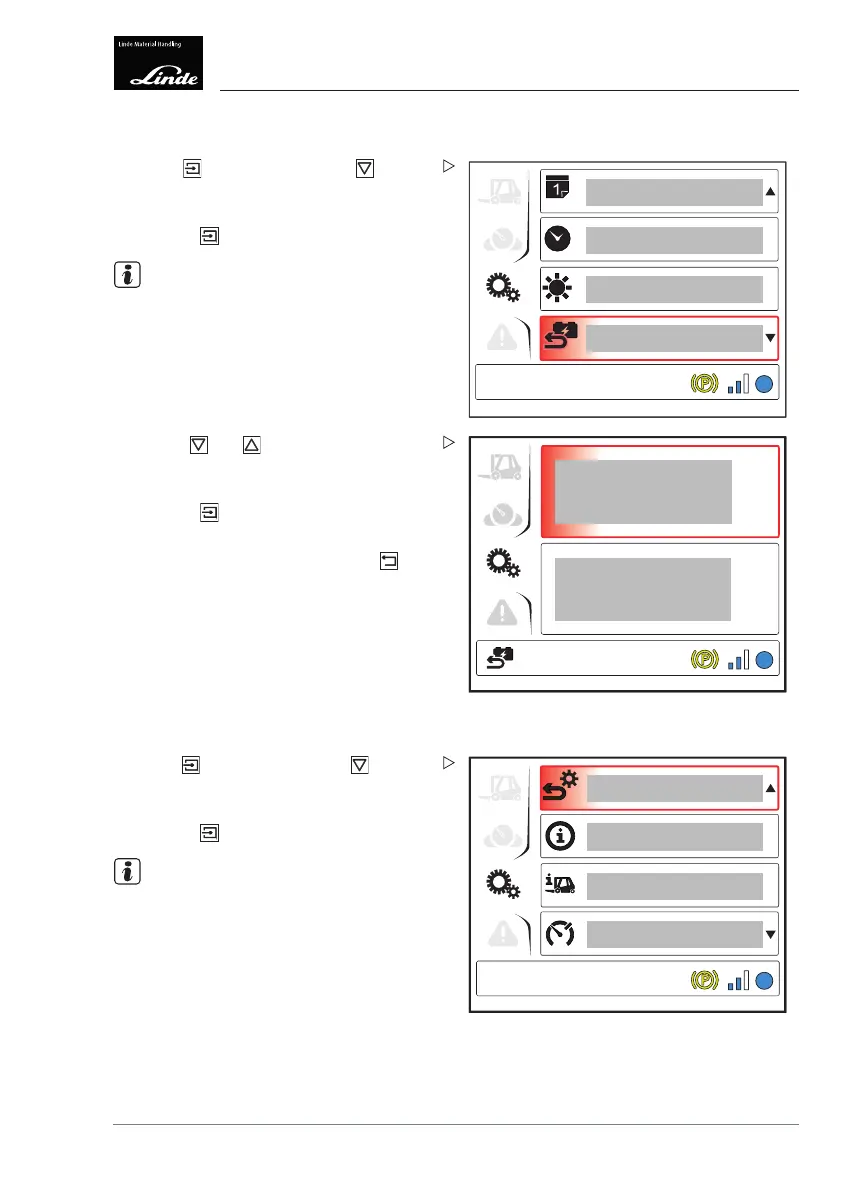
Resetting consumption
Display_e0025b
1
EFF
Press the button then press the button
to select the "Reset consumption" (1) menu
item.
Press the
button.
NOTE
The "Reset consumption" symbol appears at
the bottom left of the display.
EFF
Display_e0026a
Use the and buttons to choose
between "Reset consumption" or "Back"
(cancel the process).
Press the
button to confirm your selec-
tion.
To return to the top level, press the
button.
Restoring factory settings
4
1
2
3
EFF
Display_e0029a
Press the button then press the button to
select the "Restore factory settings" (1) menu
item.
Press the
button.
NOTE
The "Reset fa
ctory settings" symbol appears
at the bottom
left of the display.
Operating Instructions – 3888011701 EN – 12/2017 99



 To Next Page