Service work
5
Self-help
Self-help
1
2
e3871147
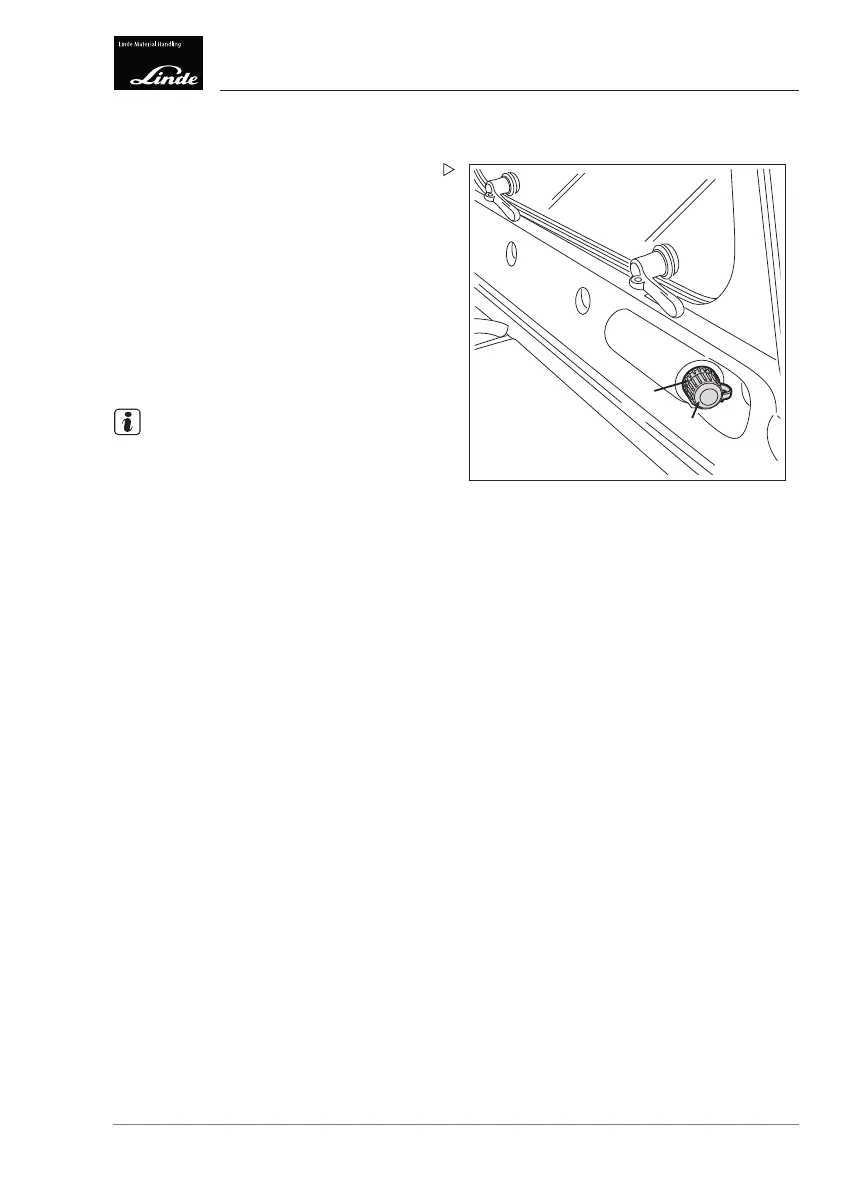
Diagnostic connector
The diagnostic connector (2) is located behind
the driver's seat beneath the rear window.
Unscrew lid (1) in an anti-clockwise direc-
tion.
Connect the laptop.
The diagnostic connector (2) can be used to
input and read out truck data with a laptop and
the diagnostic program, as well as to reset
maintenance intervals.
NOTE
After completing the diagnostics, the lid (1)
must be screwed back onto the diagnostic
connector (2) to prevent moisture from ente-
ring.
Contact your service partner.
Operating Instructions – 3888011701 EN – 12/2017 261



 To Next Page