4
Operation
Display unit
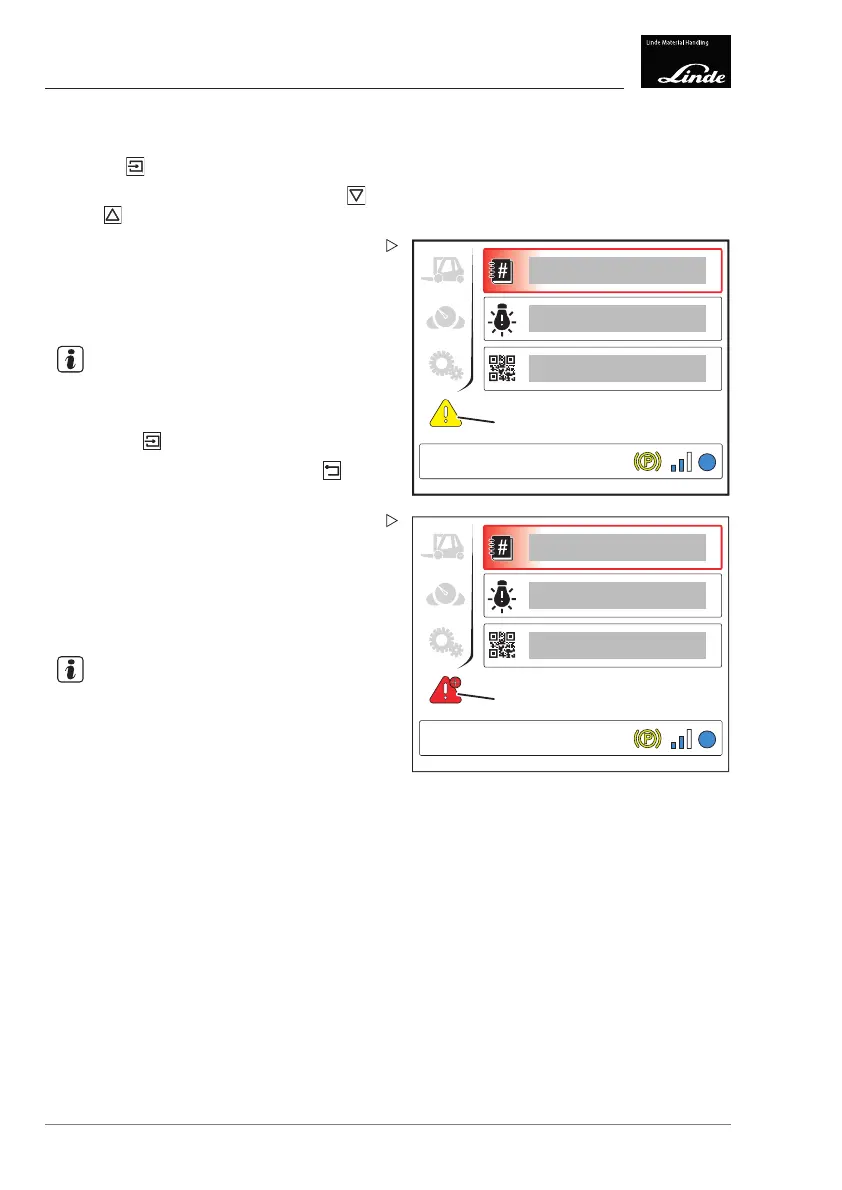
Malfunctions menu
Press the button.
Select the desired menu item using the
and buttons.
1
2
3
EFF
4
Display_e0035a
The following menu items can be selected:
• Error code (1)
• Error lights (2)
• QR code (3)
NOTE
The symbol for the selected menu item is
shown at the bottom left of the display.
Press the button to confirm.
To return to the top level, press the
button.
1
2
3
4
EFF
Display_e0028a
The symbol (4) is displayed in the following
colours depending on the status of the truck:
•"Yellow" means: malfunction
•"Red" means: critical malfunction
•"+" next to the symbol (4) means: multiple
malfunctions
NOTE
Invalid values or error values are displayed as
"--".
104 Operating Instructions – 3888011701 EN – 12/2017



 To Next Page