Operation
4
Display unit
4
1
2
3
EFF
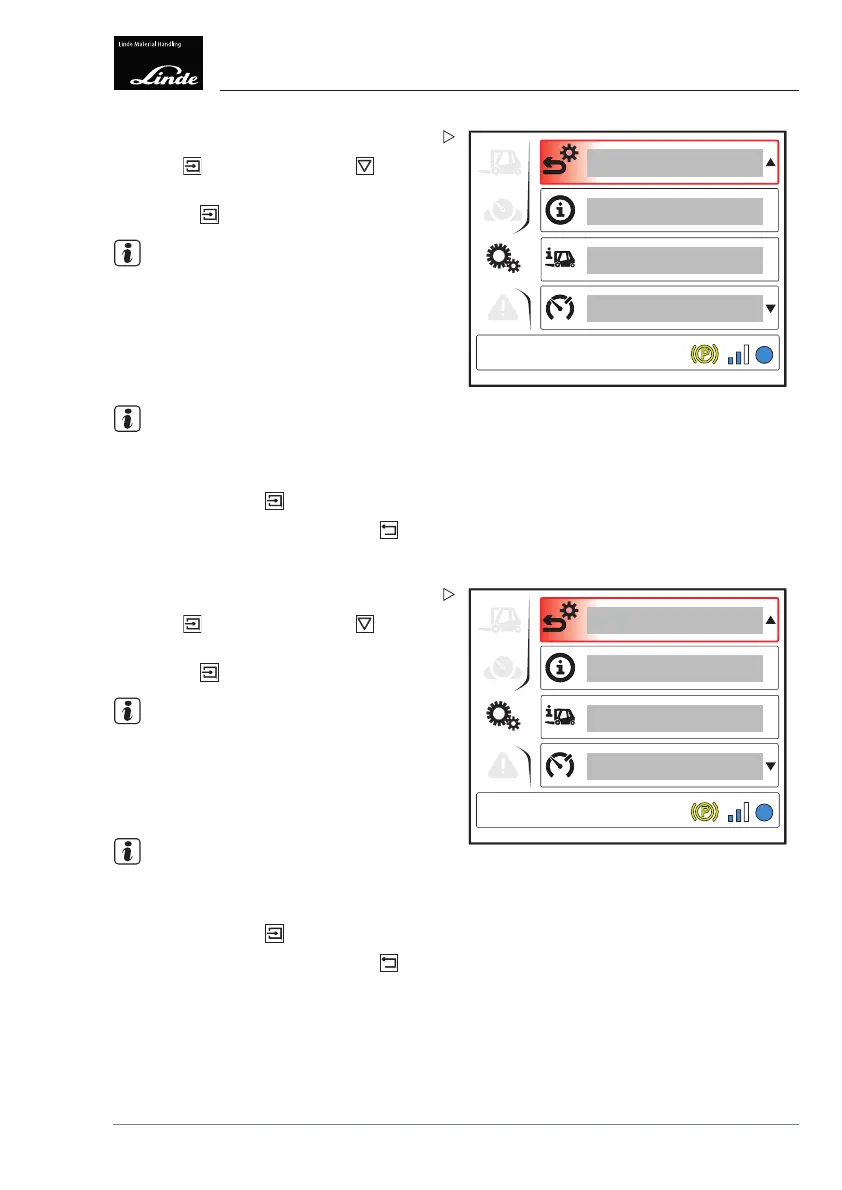
Display_e0029a
Drive mode
Press the button then press the button
to select the "Drive mode" (3) menu item.
Press the
button.
NOTE
The "Drive mode" symbol appears at the
bottom left of the display.
The "Drive mode" menu item displays the
following information:
• Currently activated driving dynamics
NOTE
The "Drive mode" is set using the diagnostic
program.
To finish, press the button.
To return to the top level, press the
button.
4
1
2
3
EFF
Display_e0029a
Speed limit
Press the button then press the button
to select the "Speed limit" (3) menu item.
Press the
button.
NOTE
The "Speed limit" symbol appears at the
bottom left of the display.
The set "Reduction in the driving speed" for
forwards and reverse travel is displayed here.
NOTE
The "Speed lim
it" is set using the diagnostic
program.
To finish, press the button.
To return to the top level, press the
button.
Operating Instructions – 3888011701 EN – 12/2017 101



 To Next Page