4
Operation
Driver's compartment
3
6
5
4
e3881126
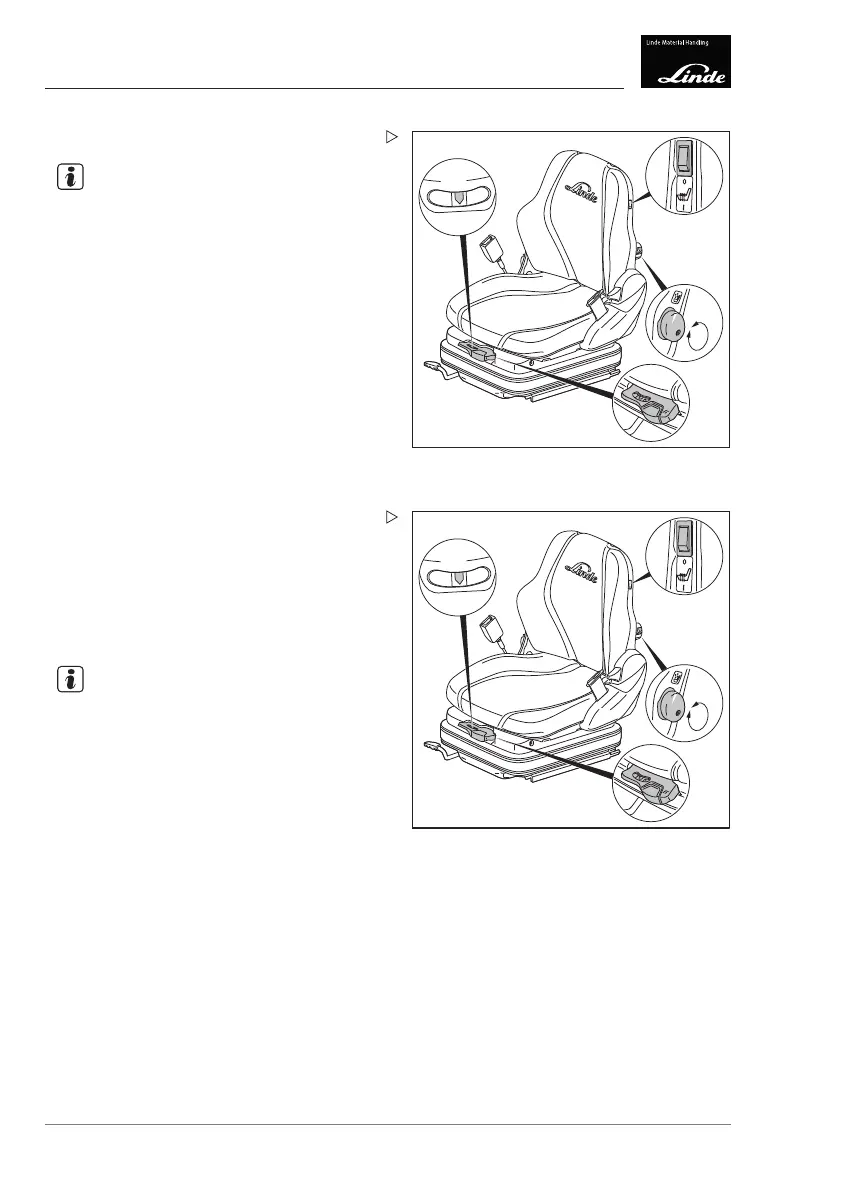
Setting the driver's weight
NOTE
The individual driver's weight must be set
when the driver's seat is under load.
Check the weight adjustment in the inspec-
tion window (4).
The correct driver's weight has been selected
when the arrow is in the middle of the inspec-
tion window (4).
If necessary, adjust the driver's weight.
Pull the lever (3) upwards for a higher
weight.
Push the lever (3) downwards for a lower
weight.
3
6
5
4
e3881126
Adjusting the seat height
If necessary, adjust the seat height.
Pull the lever (3) upwards to move the
driver's seat upwards.
Push the lever (3) downwards to move the
driver's seat downwards.
NOTE
After making the adjustment, the arrow in the
inspection window (4) may deviate from the
centre position.
62 Operating Instructions – 3888011701 EN – 12/2017



 To Next Page