Operation
4
Driver's compartment
7
e12790049
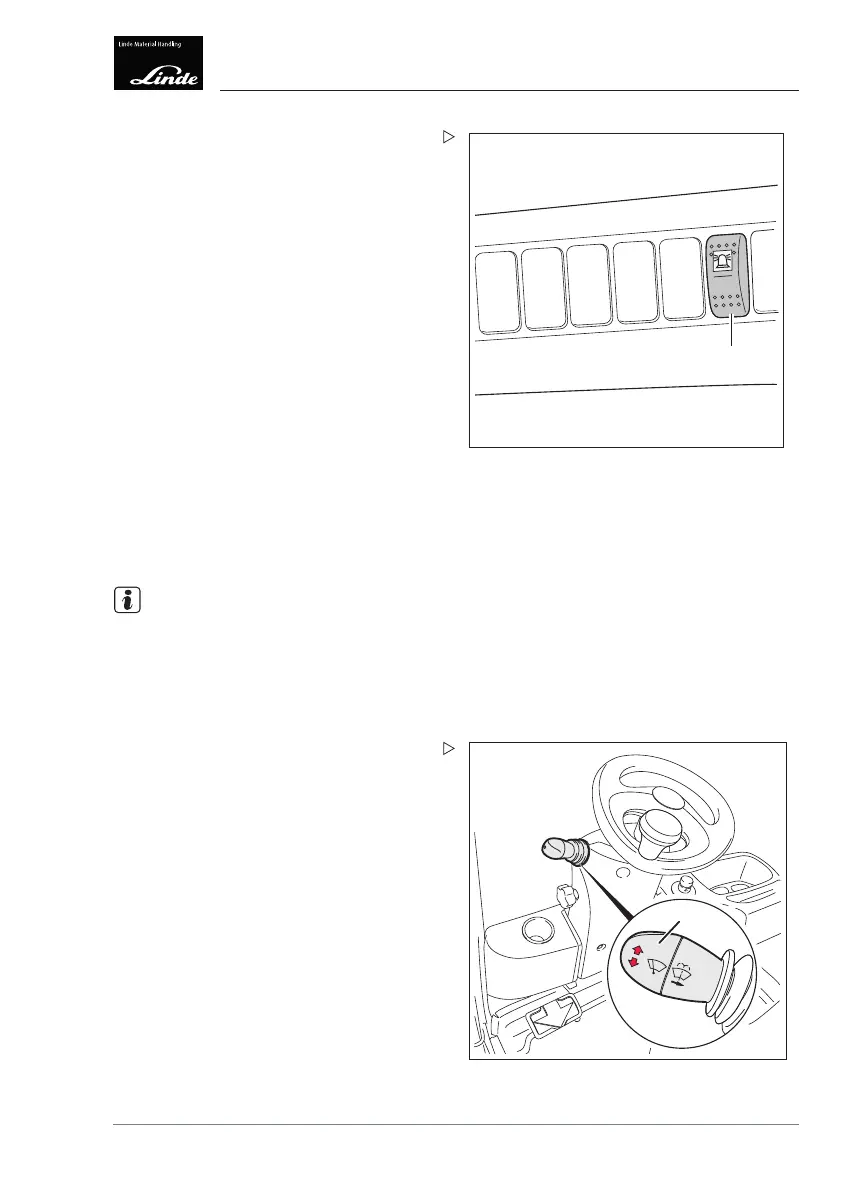
Switching on the rotating beacon/flash-
ing beacon
Depending on the equipment there are three
different versions.
Version 1:
Press the toggle switch (7).
Set the toggle switch (7):
• Setting 0: light "OFF"
• Setting 1: light "ON" for reverse travel
• Setting 2: light in continuous operation
Version 2:
Switch on the truck.
The light is in operation.
Version 3:
Switch on the truck and actuate the reverse
pedal.
The light is in operation for reverse travel only.
NOTE
If the truck is to be o
perated on public roads,
the rotating beacon
/flashing beacon must be
switched off.
Switching on flashing
lights
1
e3861494
Switch the flasher unit (1) on the steering
wheel upwards.
The direction indic
ators on the truck flash on
the right.
The right-hand indicator light on the display
unit (see arrow) flashes.
Operating Instructions – 3888011701 EN – 12/2017 77



 To Next Page