MI-42-0001 Rev. 19 159
MAINTENANCE: Daily Gain Calibration
Set Up Image
Quality
Assessment Scan
Image Quality assessment scans provide 3D images for determining if a new bad detector affects
image quality.
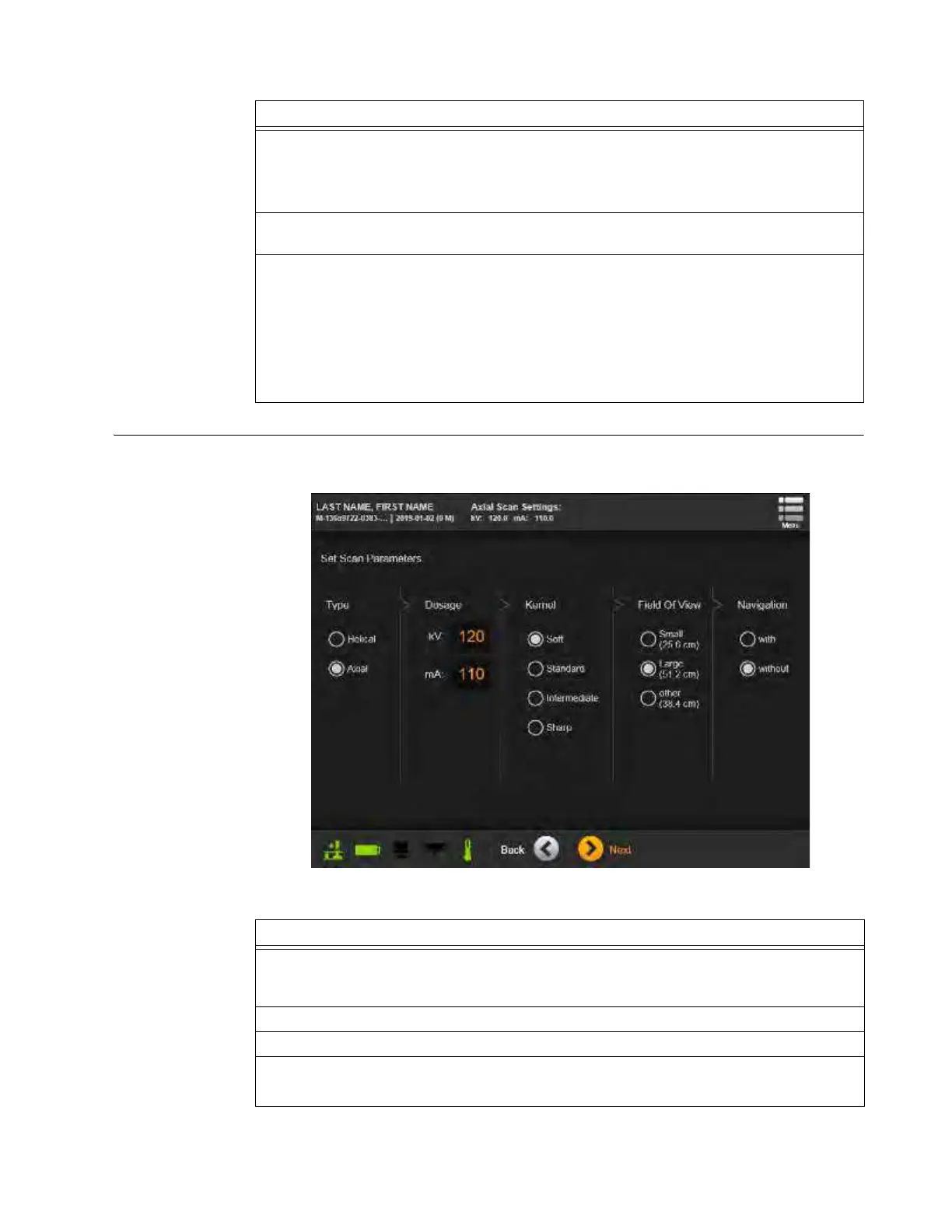
Figure 132
Steps
1. Place the Gammex holder on a radio-lucent column tabletop or support.
NOTE: If the AIRO has a column-less configuration, ensure that the structure supporting
the Gammex 464 is radio-lucent, and that it can position the Gammex at isocenter, 75mm
(2.95 in.) above isocenter, and 150mm (5.9 in.) above isocenter.
2. Place the Gammex 464 into the Gammex Phantom Stand with the Foot facing away from
the back, or power-cord end, of the system
a.
3. With the alignment lasers on, align the phantom to isocenter (see Figure 131) by:
• Raising and lowering the column tabletop or phantom support.
• Leveling the phantom with the stand’s adjustment knob.
• Rotating the phantom in the holder to line up with lasers showing isocenter along the “Y”
axis on each side
s.
• Moving the phantom to line up with the laser showing isocenter along the “Z” axis d.
• Moving the phantom to line up with the laser showing isocenter along the “X” axis
f.
Steps
1. On the Pendant, navigate to the Hospital Service login from the Home/Choose Mode
screen by selecting
Scan
>
Next
>
Service Functions
>
Hospital Service
, and then log in
with a technician-level or higher password.
2. On the Hospital Service screen, select
Manual Scan
. See Figure 112.
3. From the patient data screen, select
Phantom, Gammex
and then touch
Next
.
4. Touch
Next
to confirm scan direction. See section 6.8.6 Confirming Scan Direction.
The Set Scan Parameters screen appears. See Figure 132.



 To Next Page