MI-42-0001 Rev. 19 177
QUALITY TESTING: Testing Image Quality
Perform the Scan
Figure 141
9. Align lasers (horizontal and vertical) on the Gammex 464 Phantom positioned
near the middle of the Gimbal’s range of motion as shown f.
NOTE: In multi-kV Daily or Full QC scan cycles, do not realign the lasers or
move the phantom between the selected kV scans.
10. Touch Next.
Options
To proceed touch Next.
To reset, touch Back.
Steps See
Steps
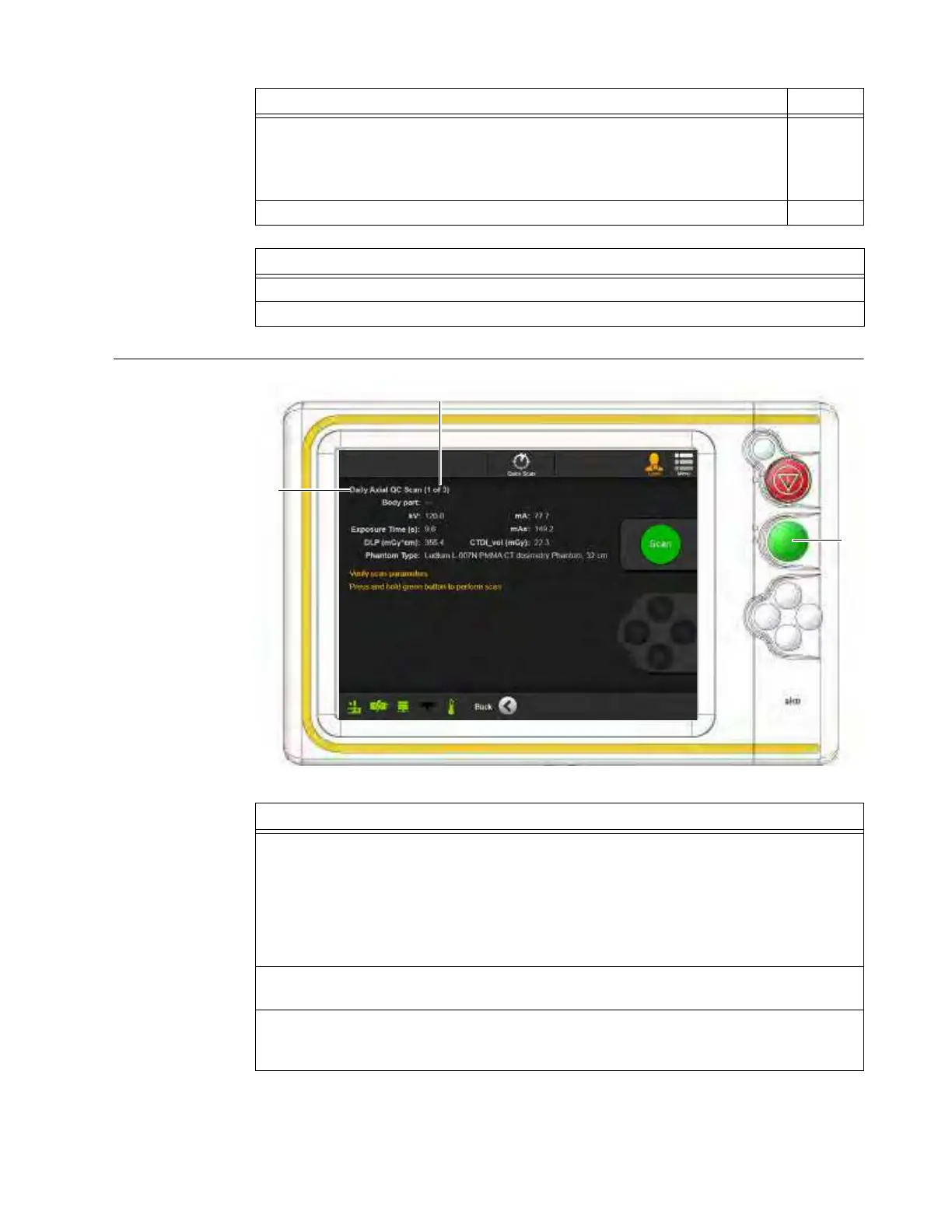
1. For each selected kV level in the scan cycle, verify that the screen lists:
• Correct QC scan type
a.
Available types are listed as
Daily Axial QC
and
Full Axial QC
for axial QC scans, and
Daily QC
and
Full QC
for helical scans.
• Correct scan number in the scan cycle for multi-scan QC selections
s.
NOTE: If only one QC scan was checked on the Select KV Levels screen, the message
about the current scan in the scan sequence does not appear.
2. Press and hold the green button d to run a complete scan.
When the Green LED is illuminated the system is ready to scan.
3. When prompted, release the Green button.
The Running Quality Checks screen indicates that the system is comparing the current
results to the archived baseline data.



 To Next Page