180 MI-42-0001 Rev. 19
QUALITY TESTING: Testing Image Quality
Reviewing and
Exporting QC 3D
Images
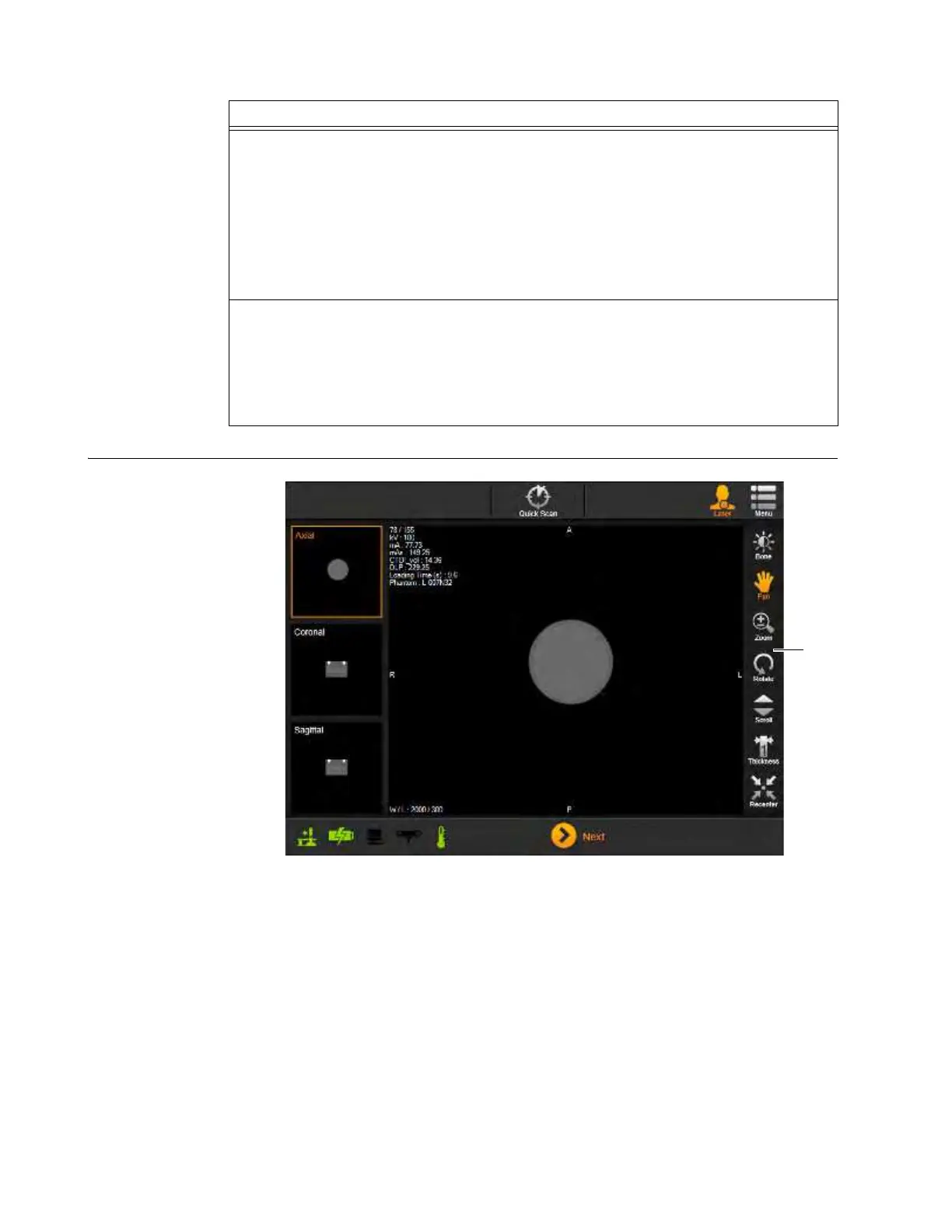
Figure 144
Steps
1. Review the Image Quality results
a.
The screen shows the current measured results, AIRO’s typical results, and the valid
ranges for each test, For more information on viewing:
• Daily QC results, see section How to View and Export the Daily Quality Check Report on
page 183,
• Full QC results, see section Full Quality Check Results Summary Report on page 185.
NOTE: Quality Checks may fail
s. If this occurs, ensure the Phantom is correctly aligned
against the lasers and repeat the Quality Check. If the problem persists contact Service.
2. If needed, export the QC Result to a USB storage device d.
For information on exporting daily and full QC reports, see section 8.4.1 Examining Image
Quality Report.
NOTE: In addition to the USB export options available for all scans or series (see section
6.8.24 Sending Scan to DICOM or USB), exports of QC scans can include the QC Report
when copying results to USB storage devices. See Figure 145.



 To Next Page