182 MI-42-0001 Rev. 19
QUALITY TESTING: Testing Image Quality
Completing a
Multiple kV-level
QC Scan Cycle
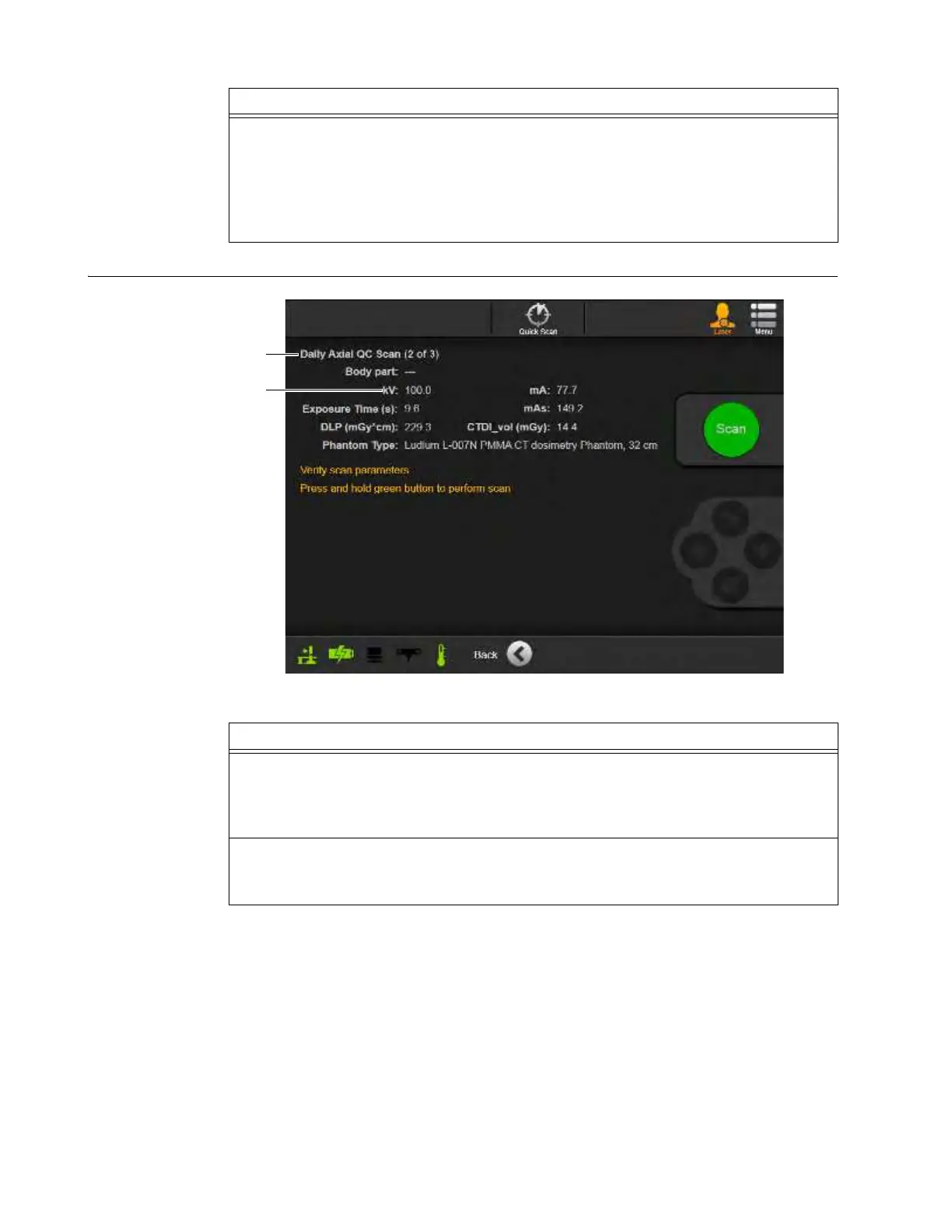
Figure 147
4. On the dialog asking to continue without sending results to a DICOM node f, select
OK
.
See Figure 146.
If multiple kV levels were selected during QC scan setup, the scan for the next kV level in
the cycle starts. See Figure 147.
NOTE: In multi-kV Daily or Full QC scan cycles, do not realign the lasers or move the
phantom between the selected kV scans.
Steps
Steps
1. After completing the first scan in a QC scan cycle with multiple kV levels, review the
parameters of each subsequent scan and verify that it has:
• Correct scan number in the cycle
a
• Correct kV level s
2. Repeat the QC scan work flow for each of the selected kV levels.
NOTE: In multi-kV Daily or Full QC scan cycles, do not realign the lasers or move the
phantom between the selected kV scans.



 To Next Page